

We want to…
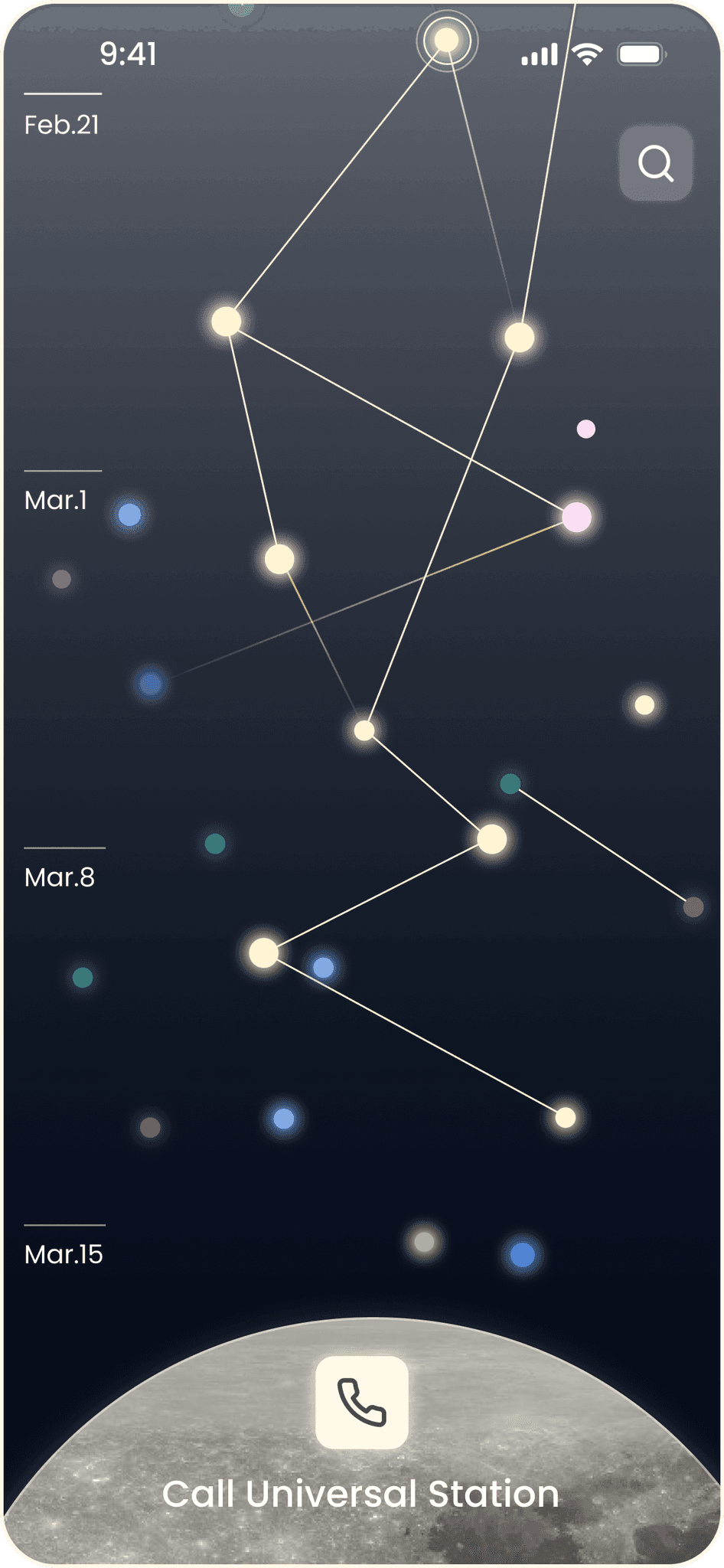
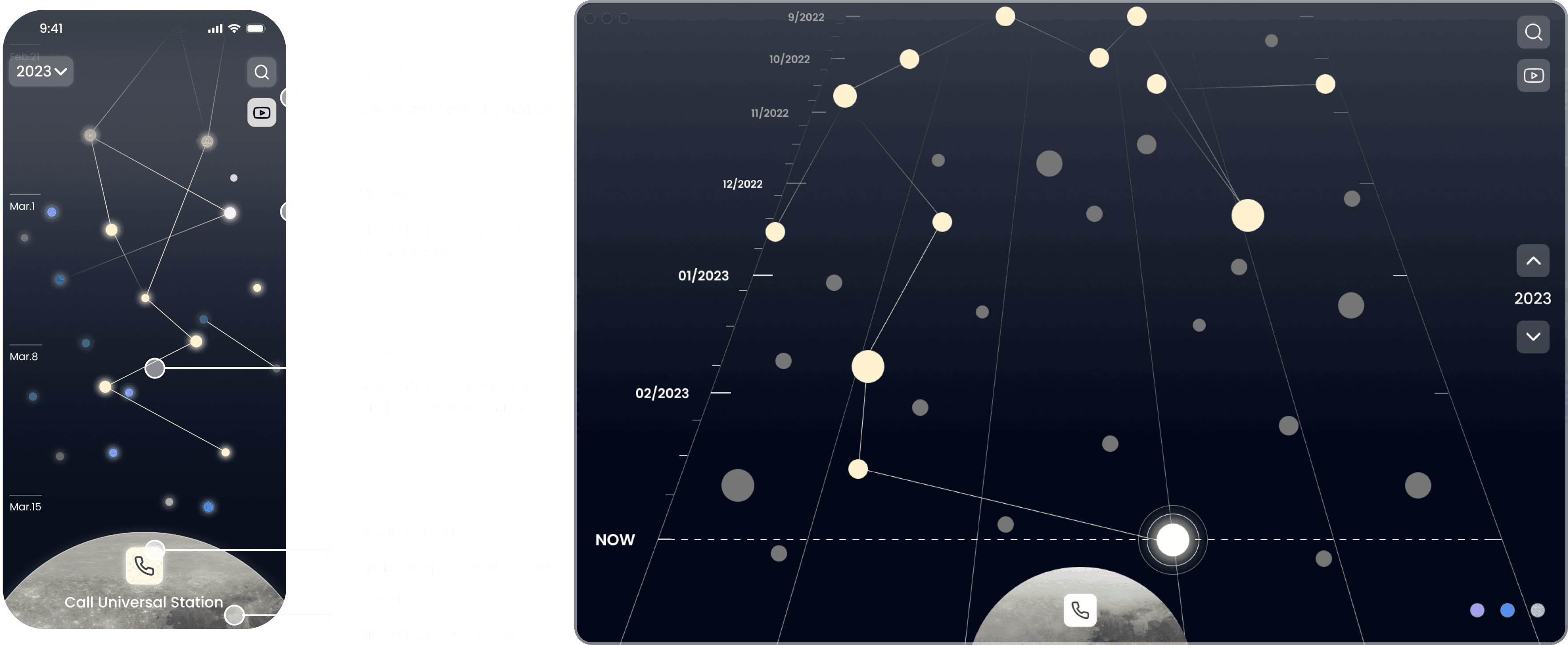
create a “Memory Universe” where individuals can express themselves by building a personalized world from their memories, allowing them to revisit and access these memories in the future.

Research
& Interview
During the secondary research, we found
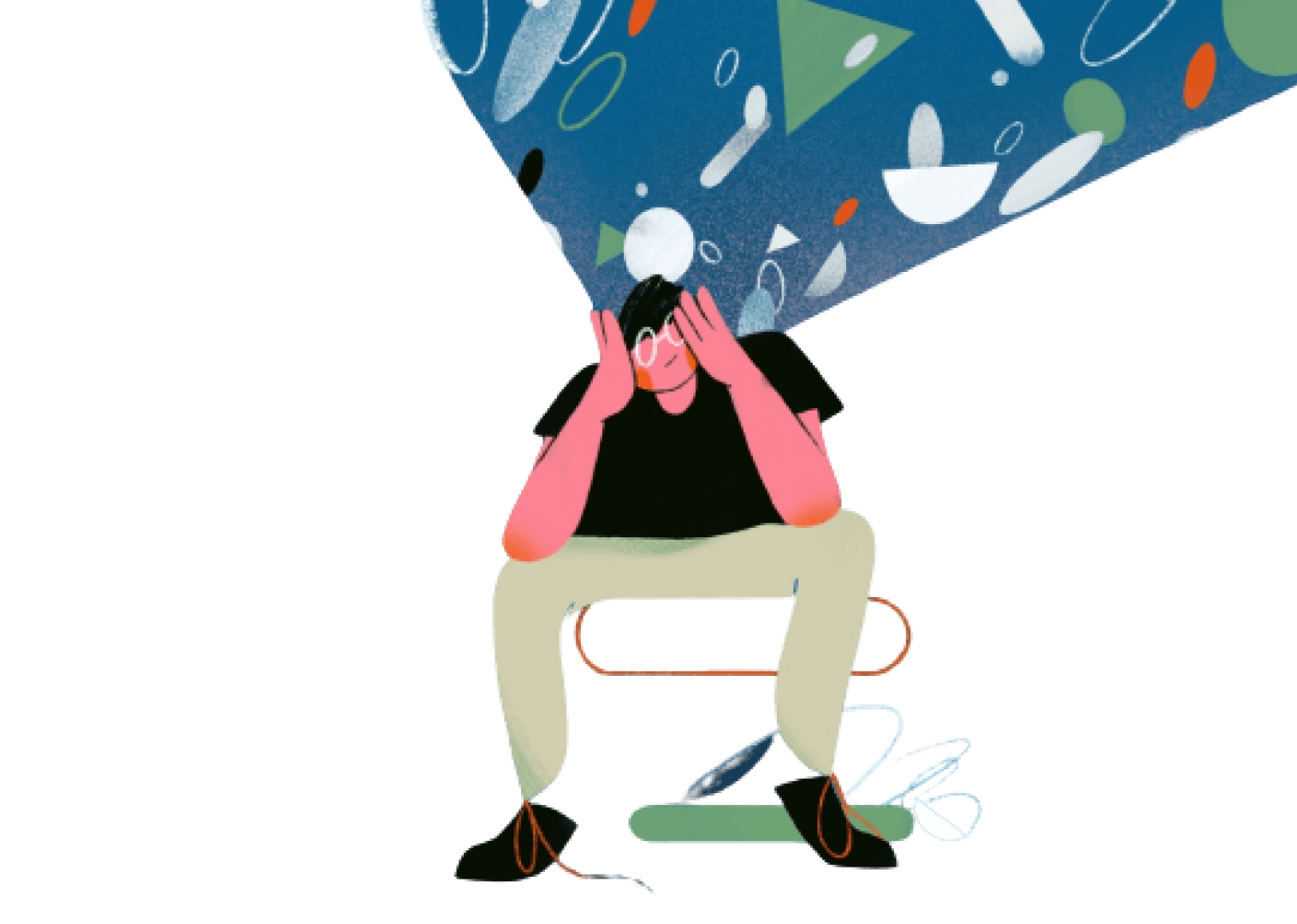
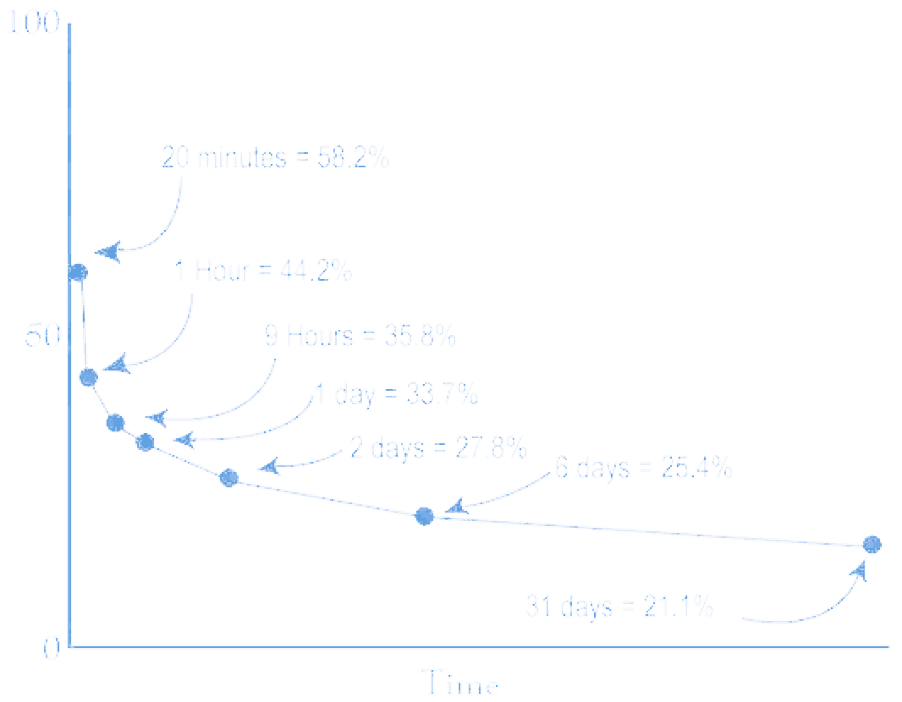
People often forget memories that once defined who they were.
Interview Goal
Understand how people think of a time
Know what time means/represents to them
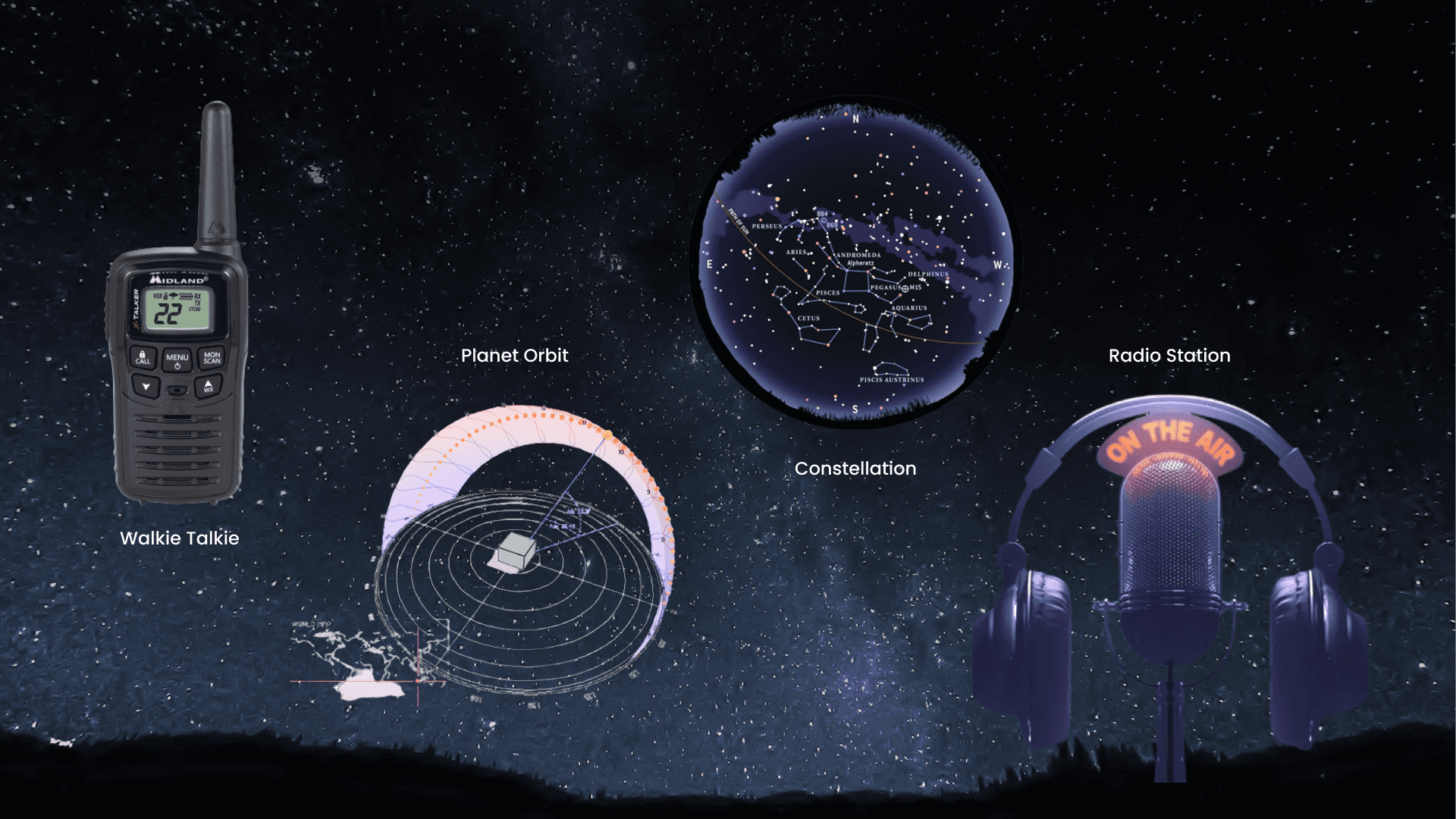
Find out how devices/ways how people currently tell time
What are the things you do on a cycle/daily basis because of time
If there’s no clock, how would they be able to tell time?
Imagine if the world is existing without the concept of time
BASED on each interviewee’s role, indicate how each person tells time
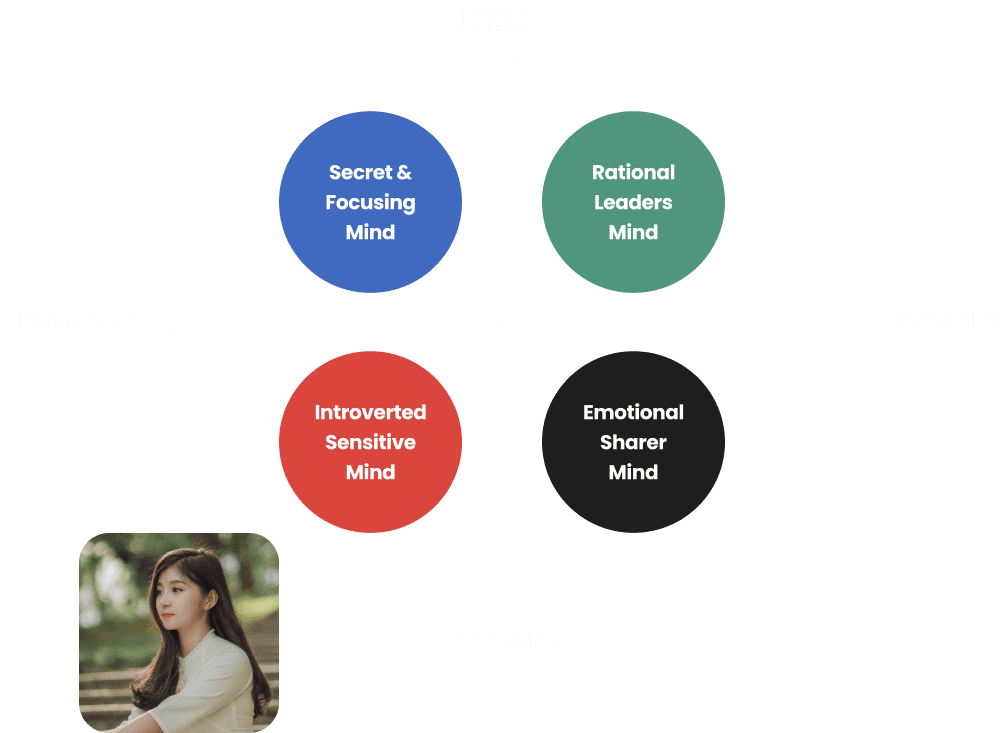
Interviewees
Interview Insight
Time & Memory seems more as a millstone to people, where they feel their past defined who am I
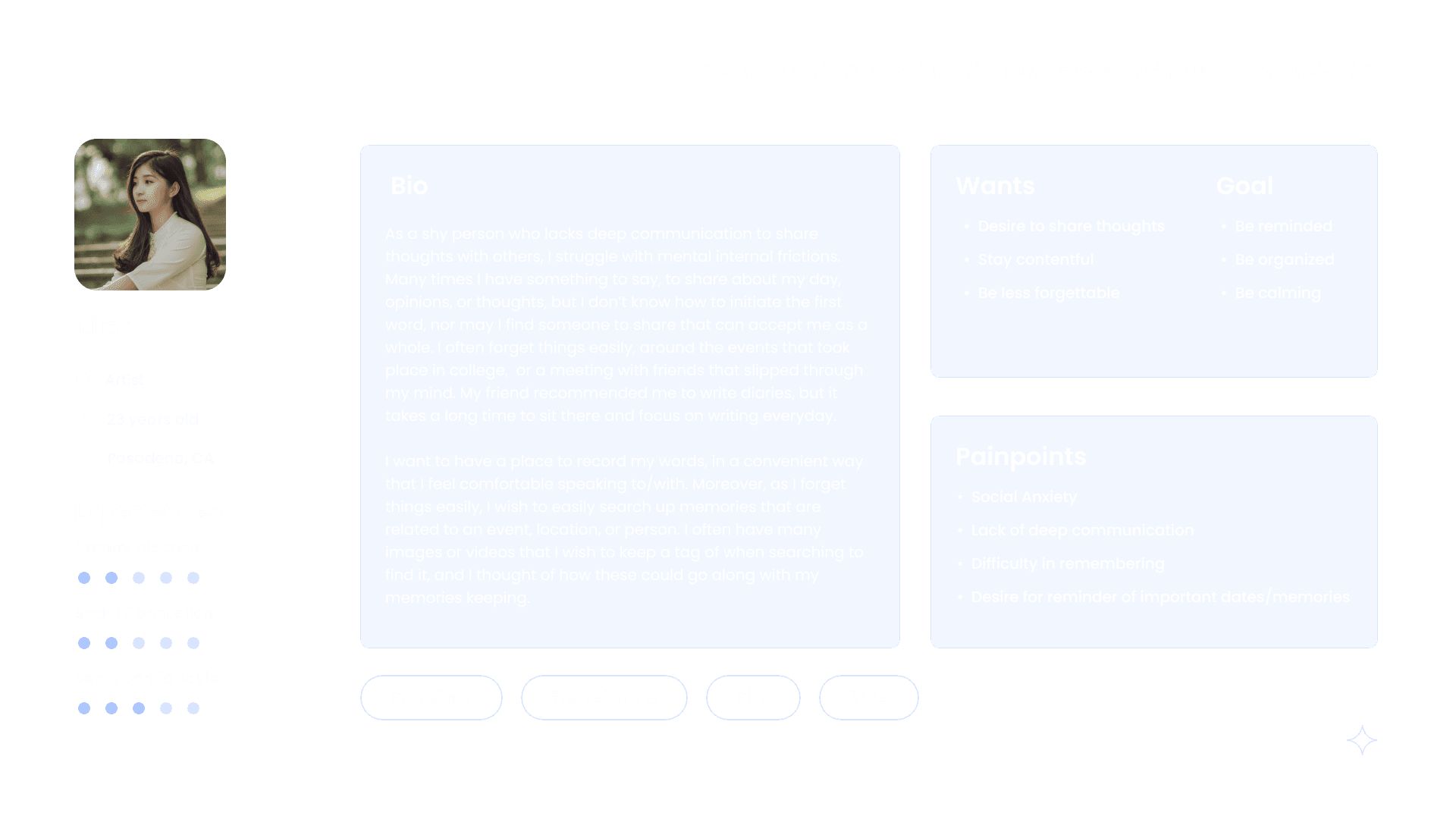
People feel there aren't a place or a person that private enough that they could talk about all their thoughts without any worries.
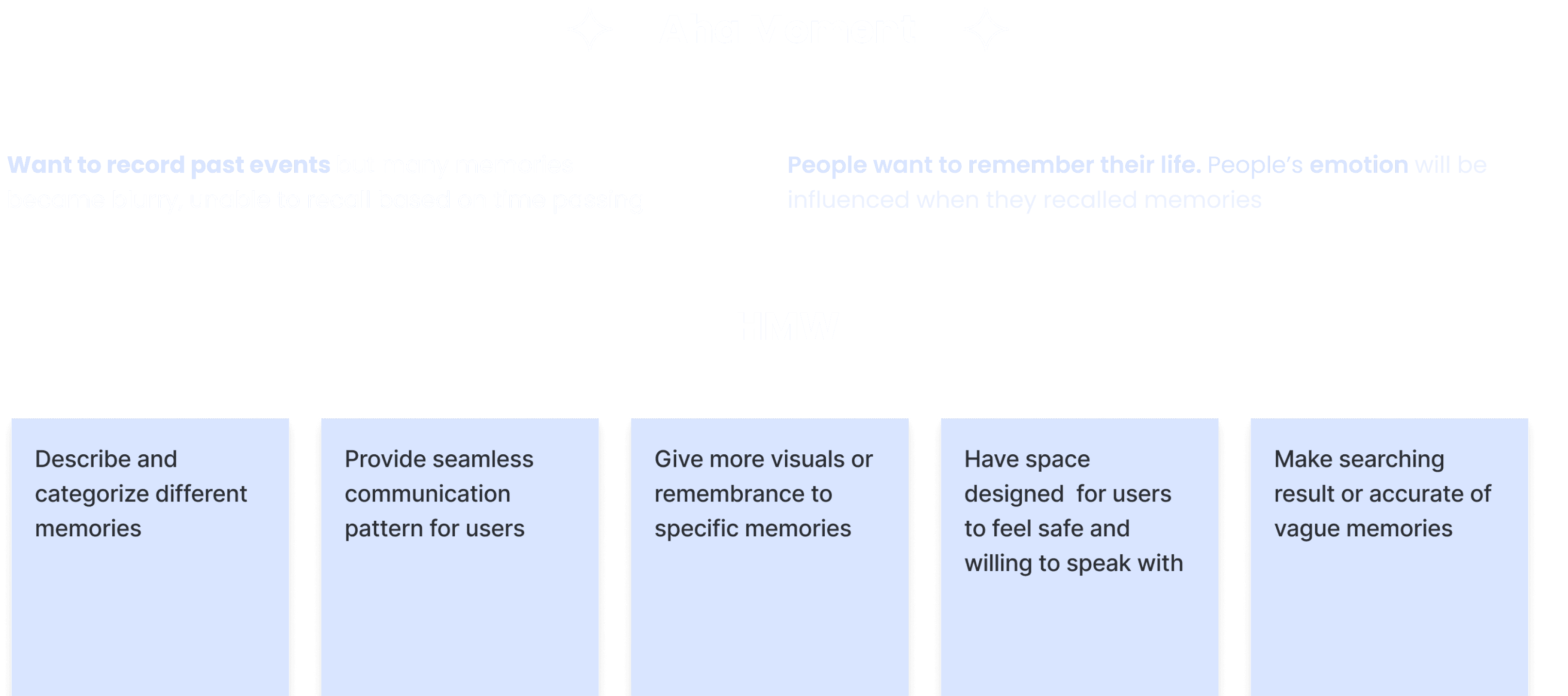
Want to record past events but many memories became blurry, unable to recall based on time passing
People believe memory build who were.
Want to record past events but many memories became blurry, unable to recall based on time passing
People want to remember their life. People’s emotion will be influenced when they recalled memories
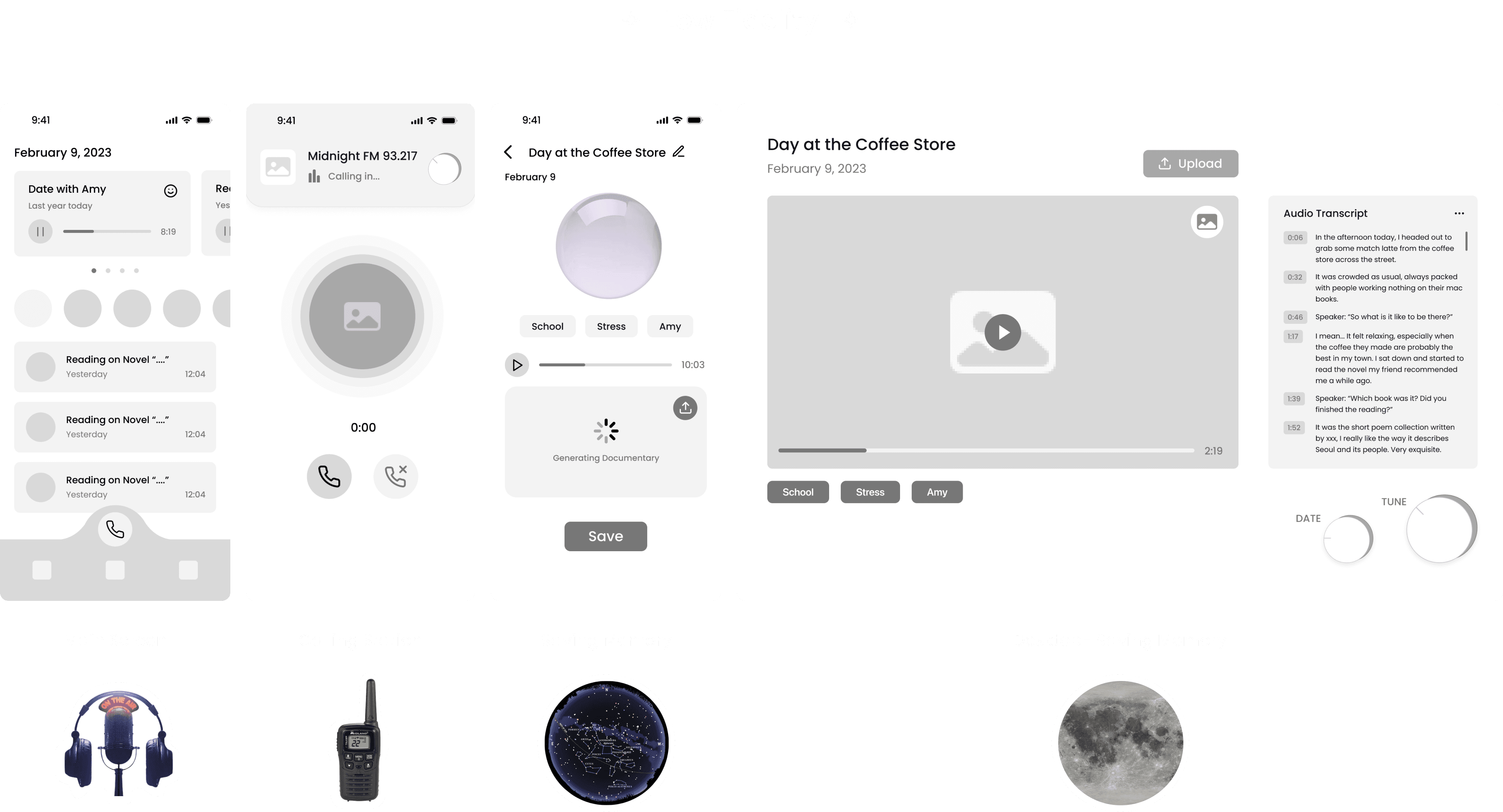
Main
Features
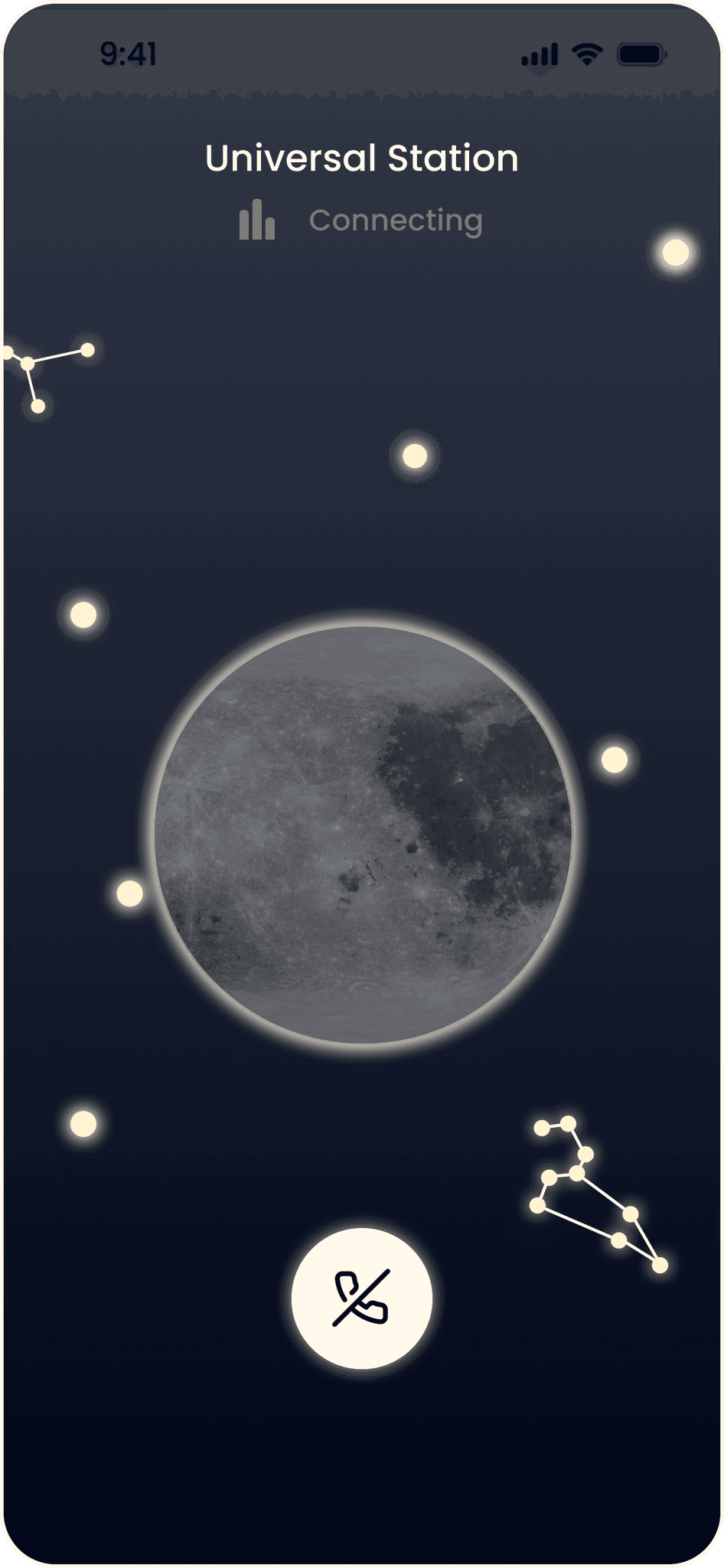
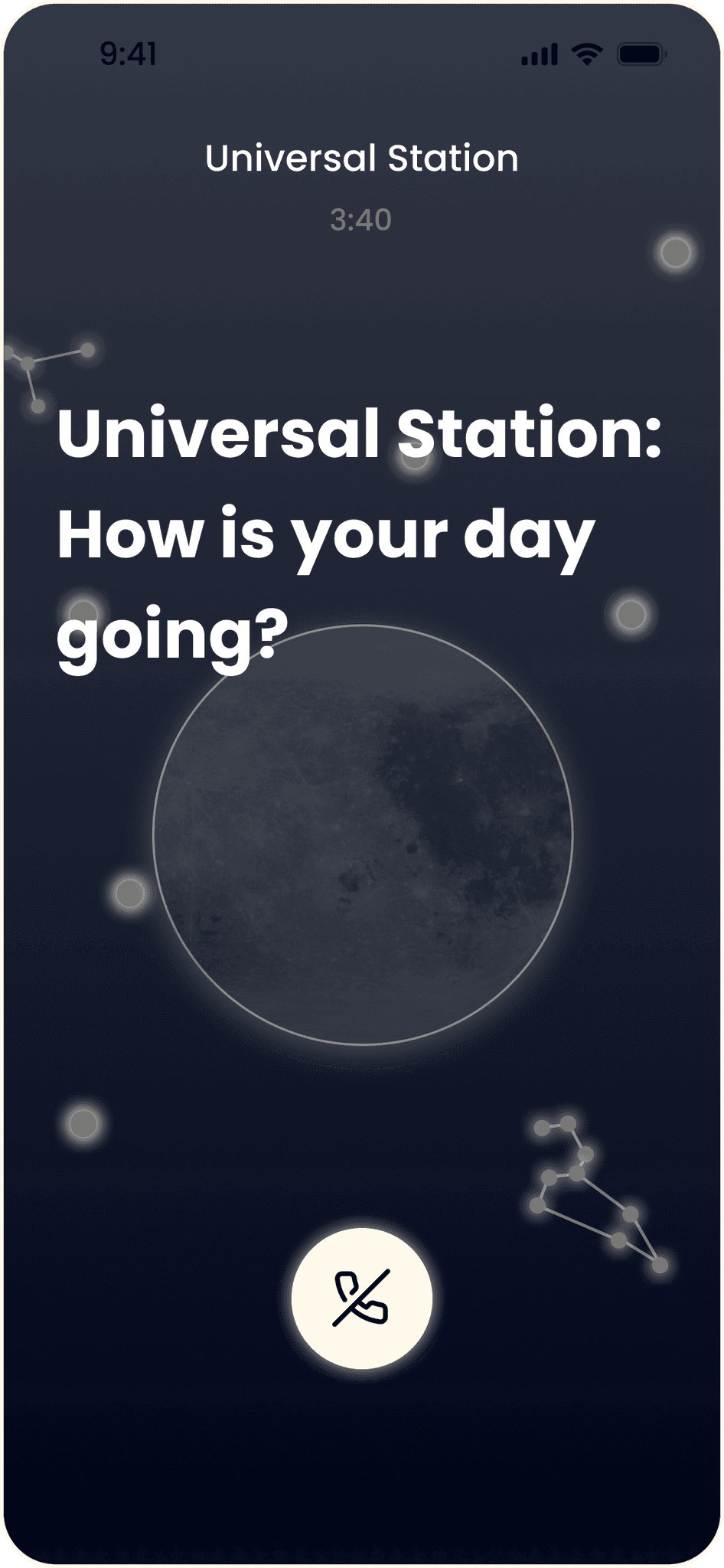
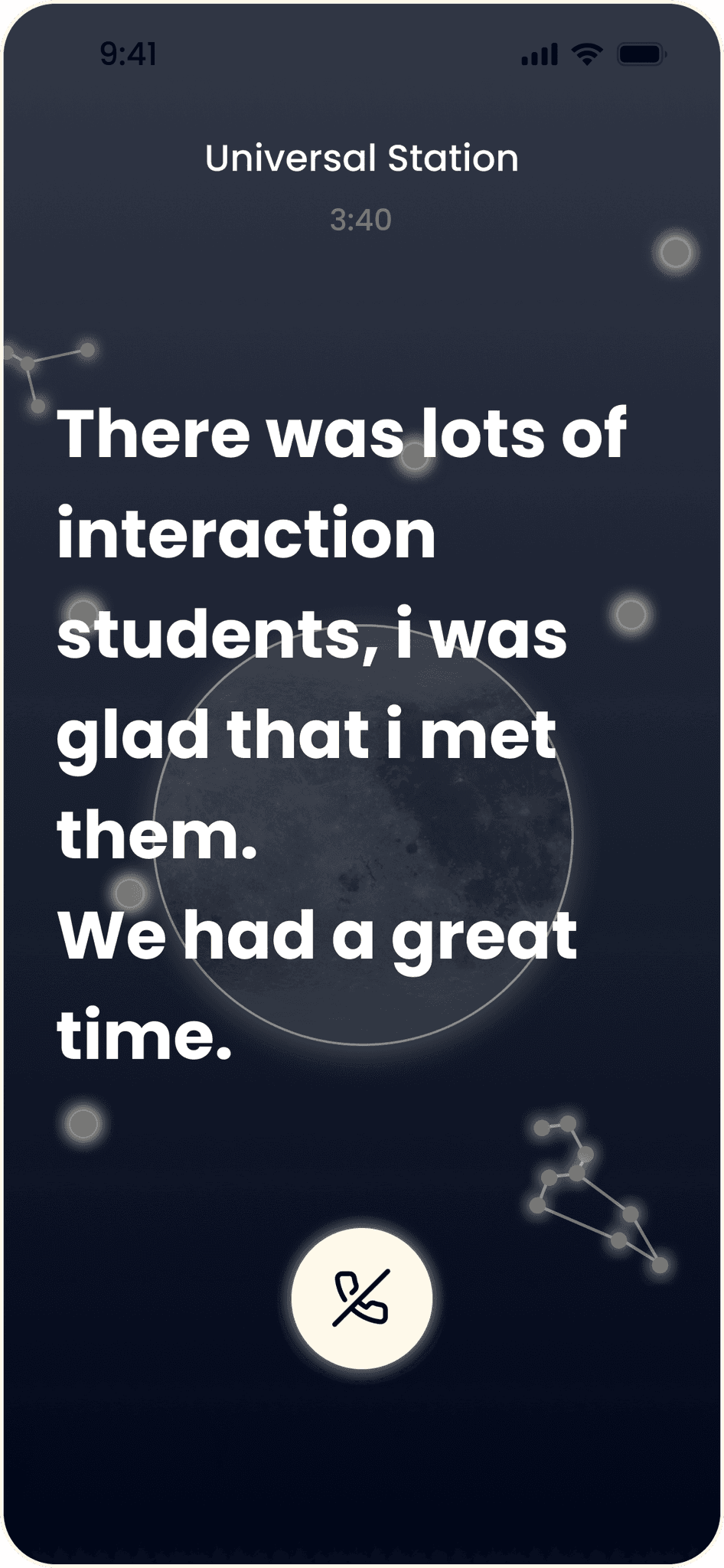
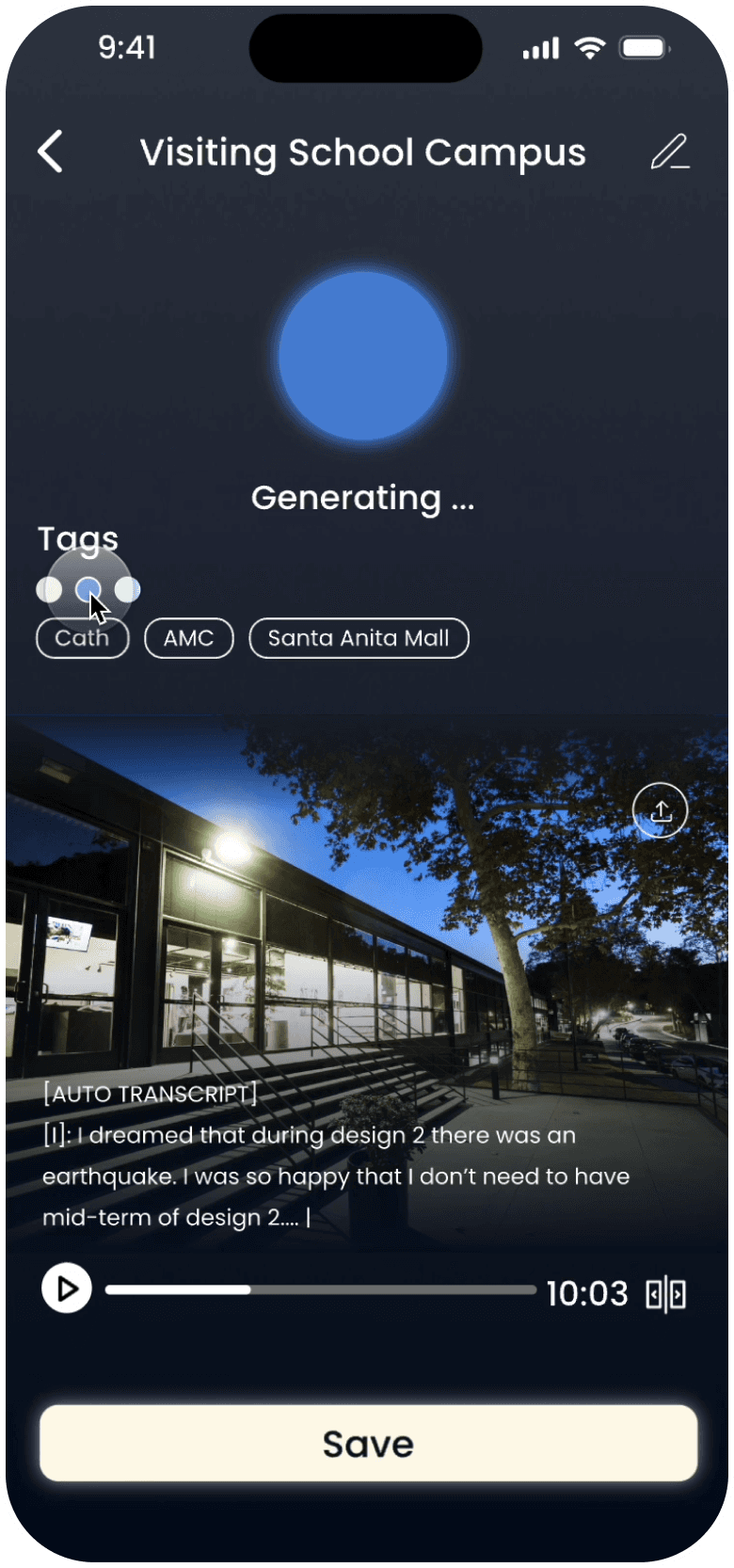
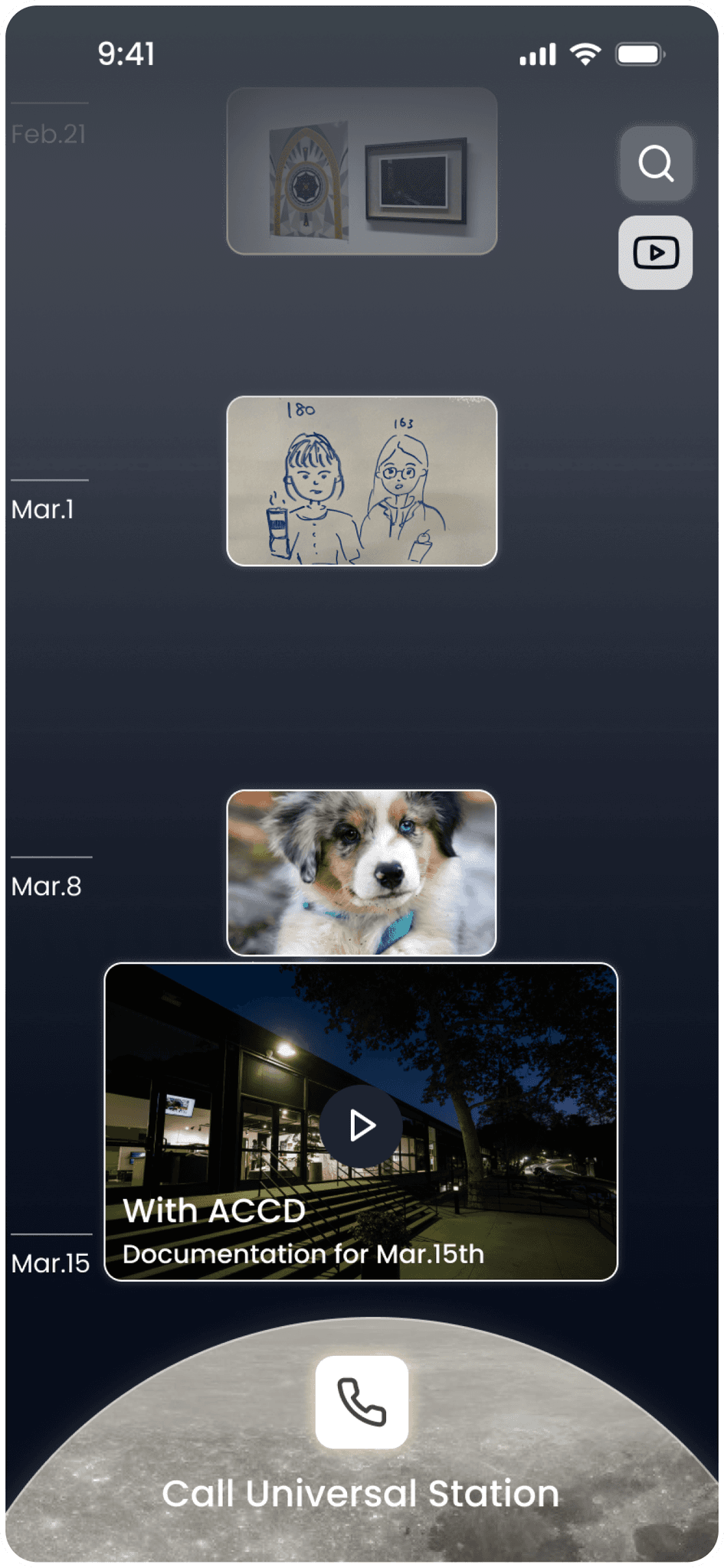
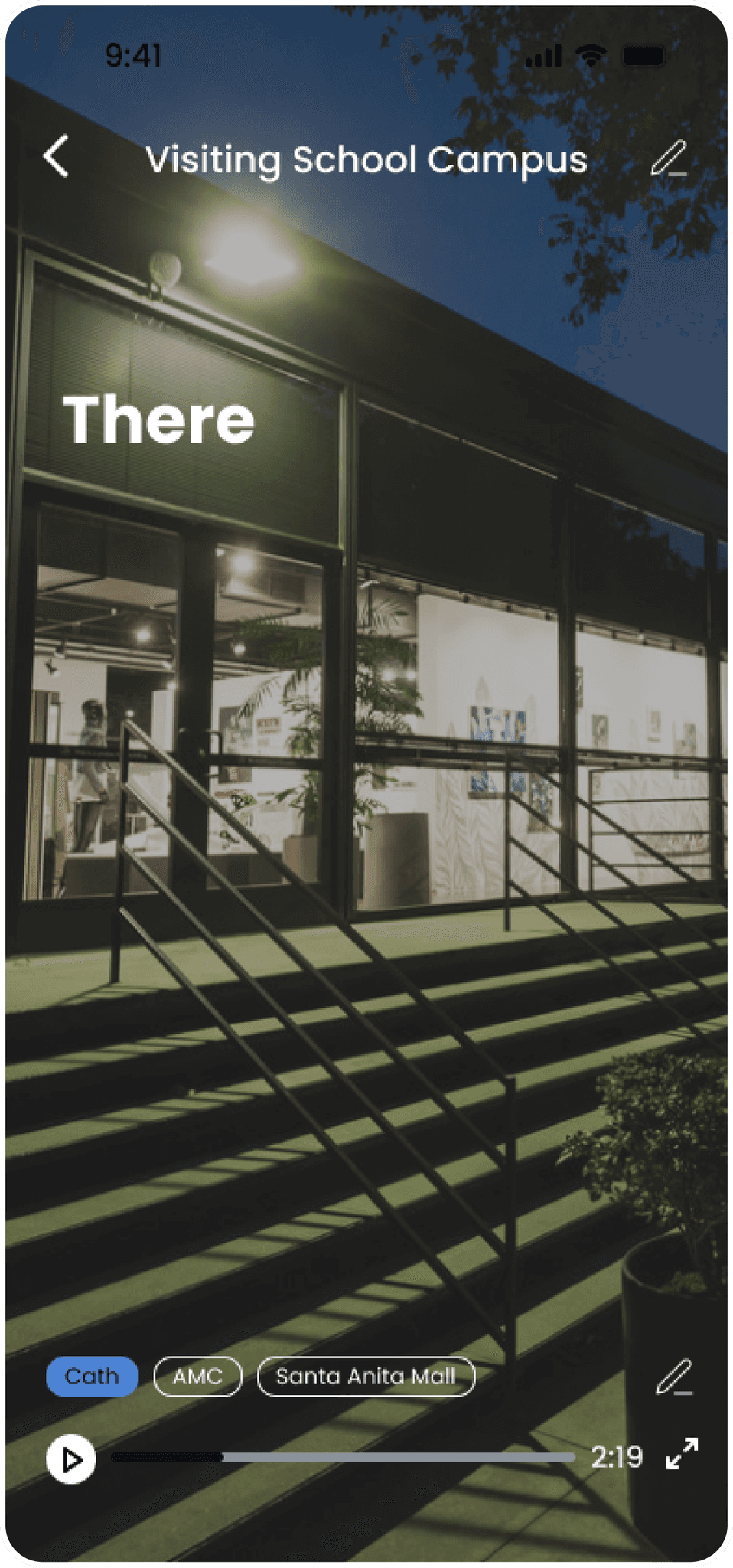
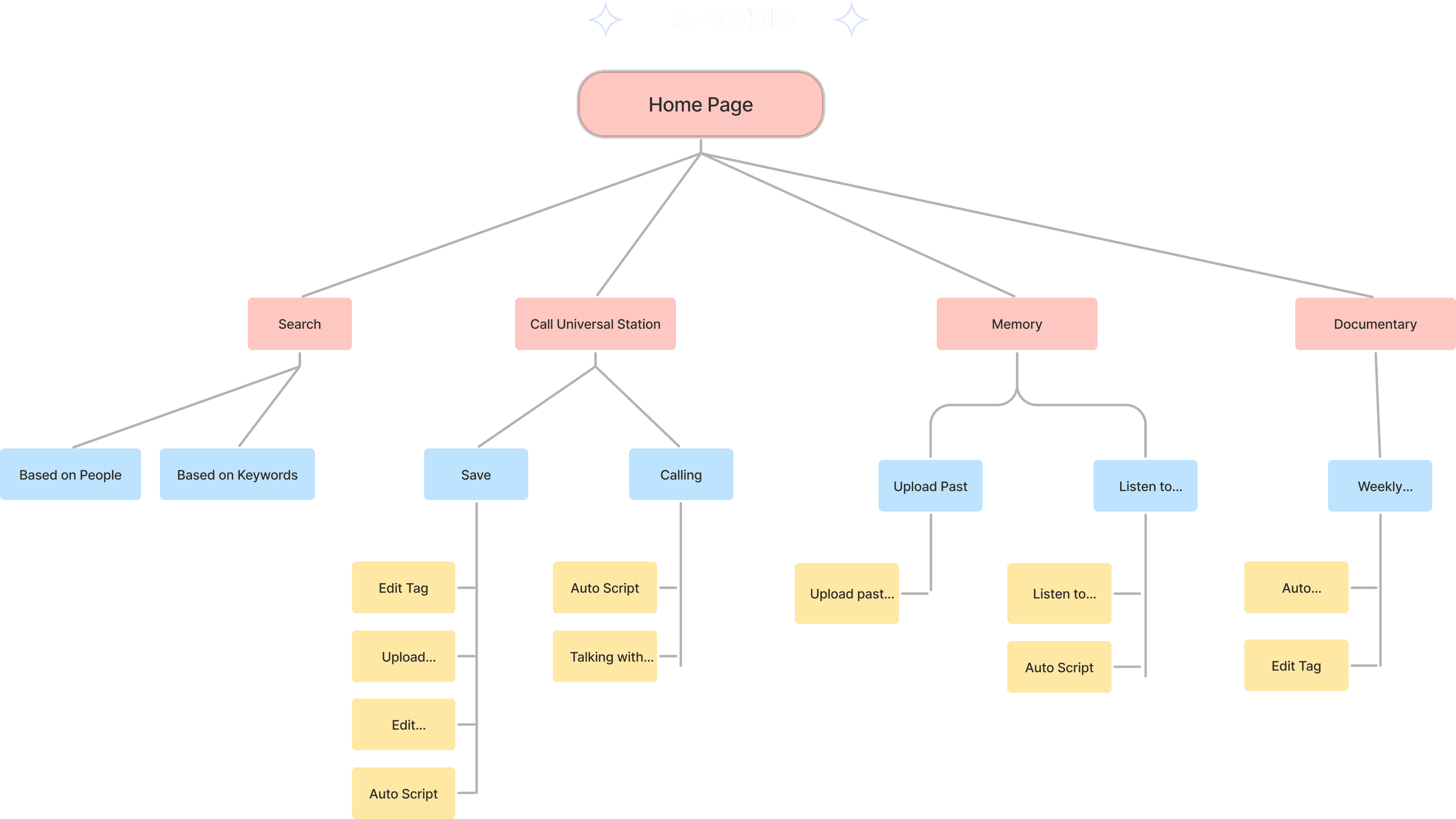
Low
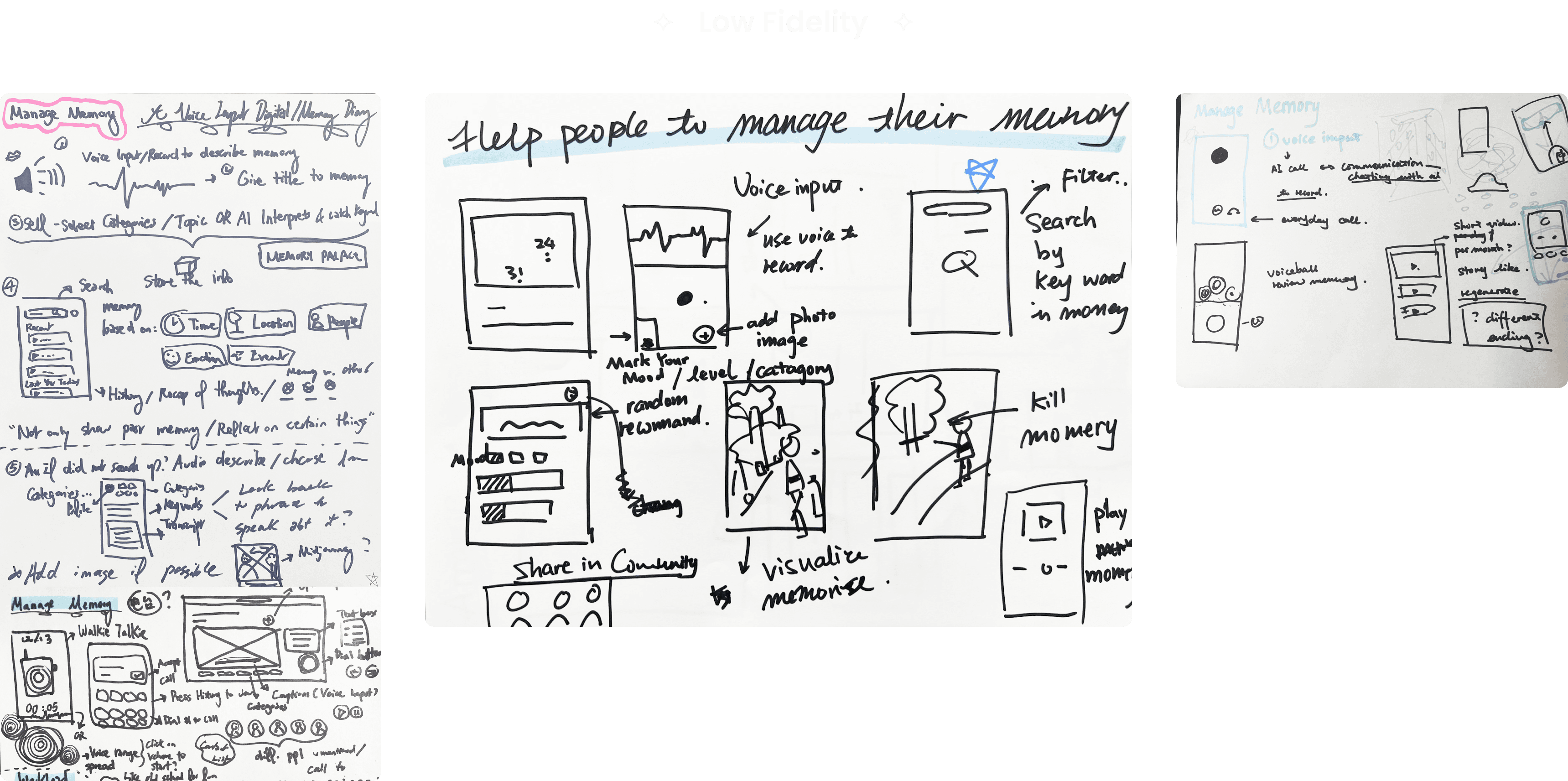
Fidelity
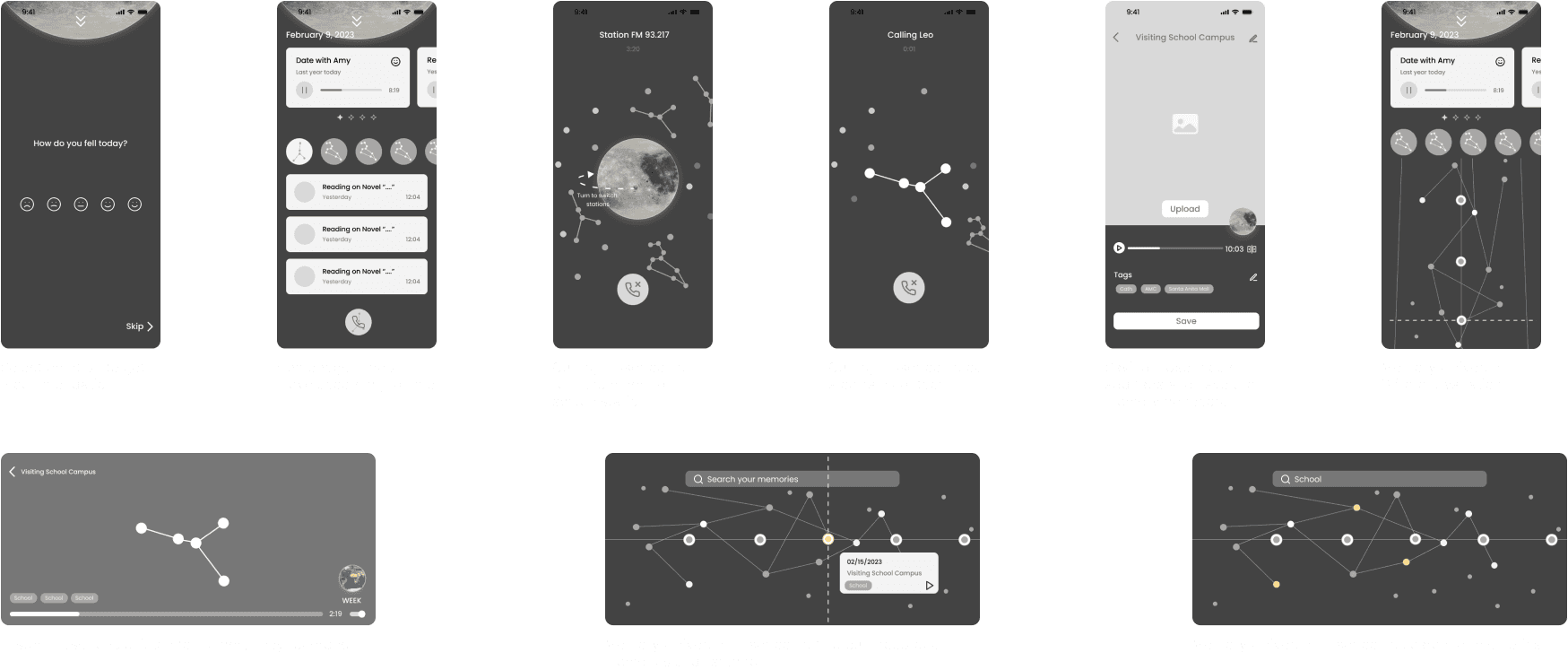
Mid-Fidelity
Iterations
User Testing
Through out the process…
We did 4 round of user test, A & B testing, with over 4 round of iterations
DIfferent Exploration - Homescreen
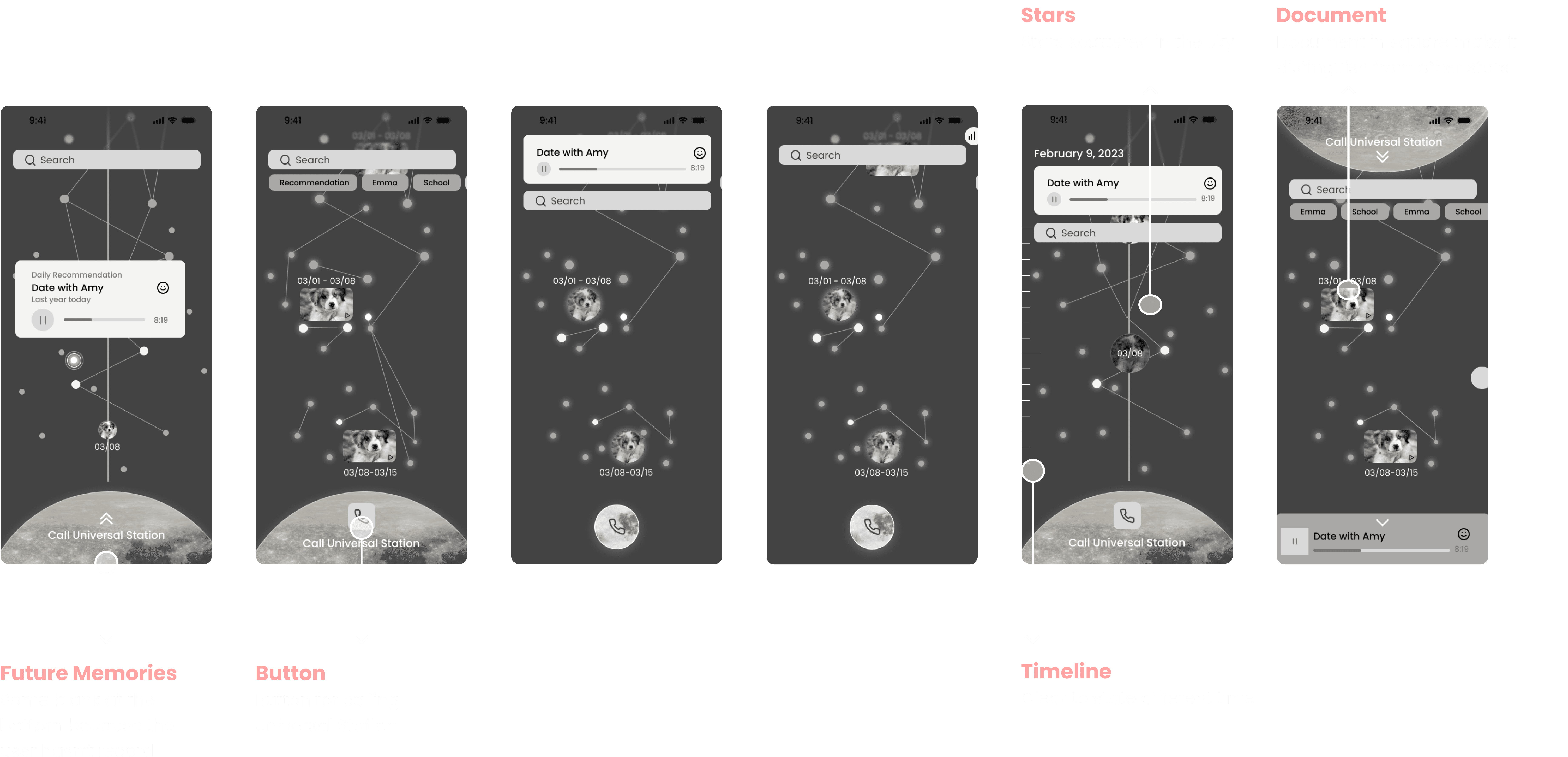
Final Round A & B Testing - Home Screen
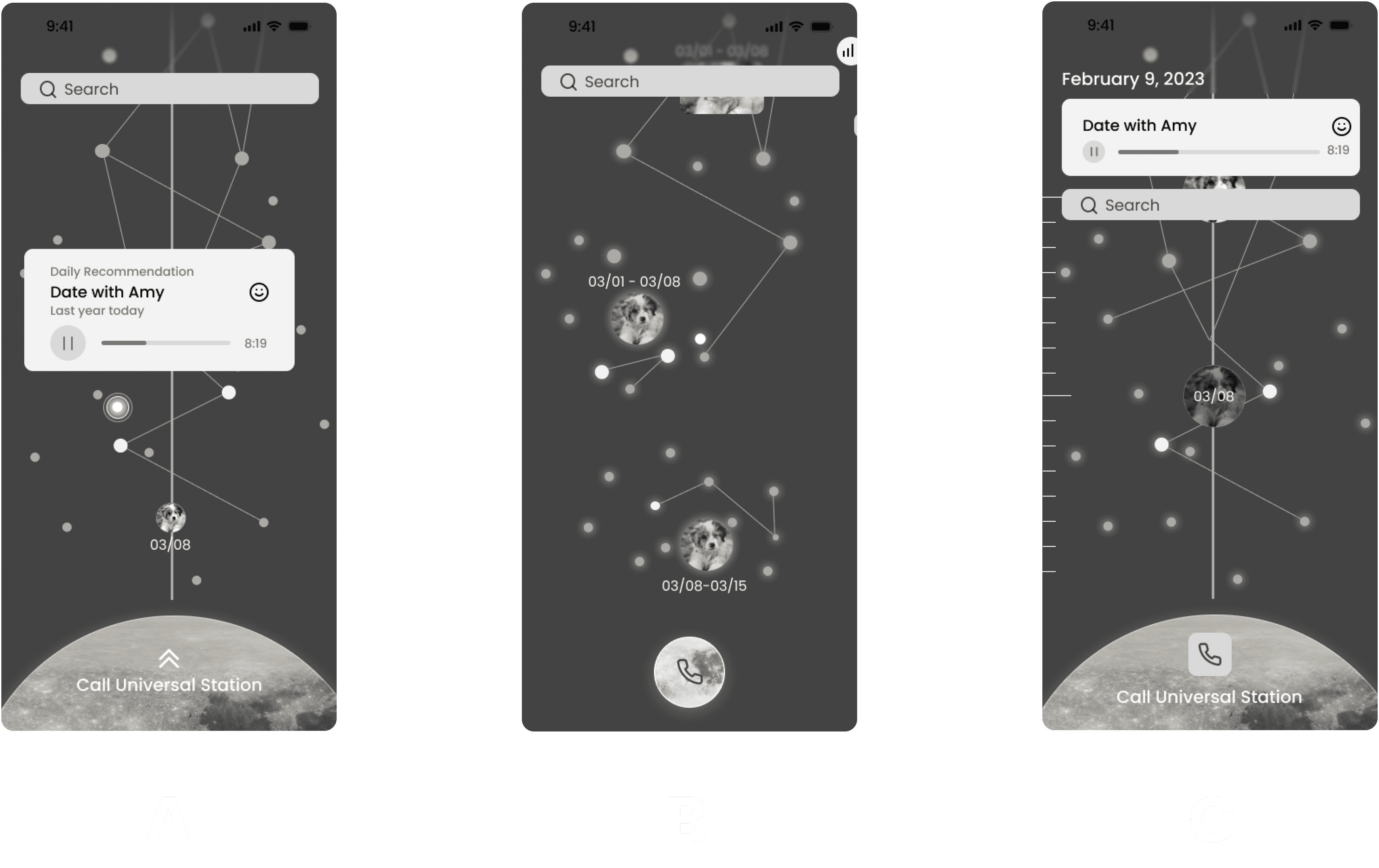
Problem
Cluster in A B doesn’t explain itself
The recommend listening feature is not demanded
Date on the image is not clear
Re-center feature needed
C's t timeline feel less distractive
Calling Universal station need to be large and clear
Overall Improvement
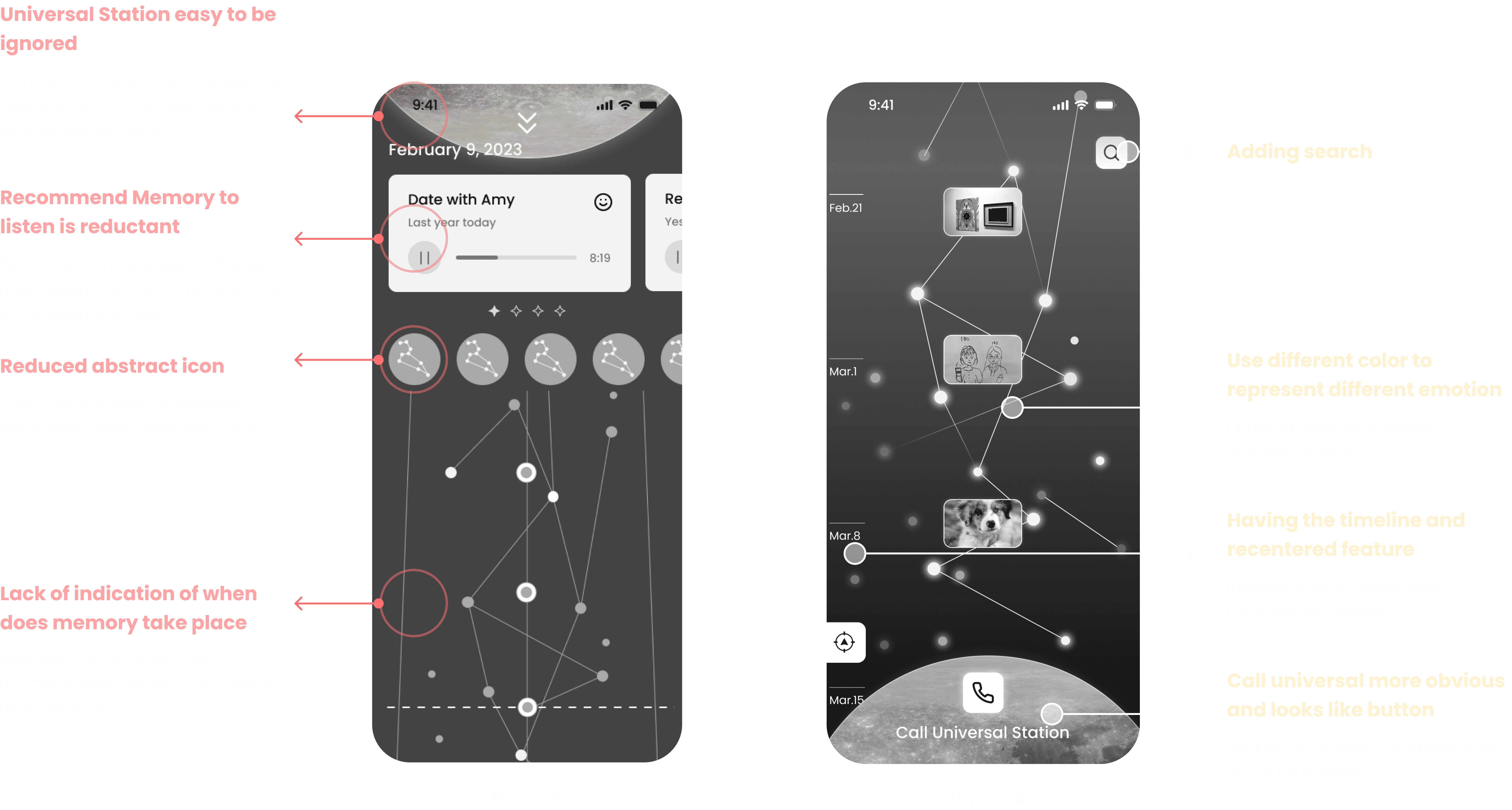
High
Fidelity
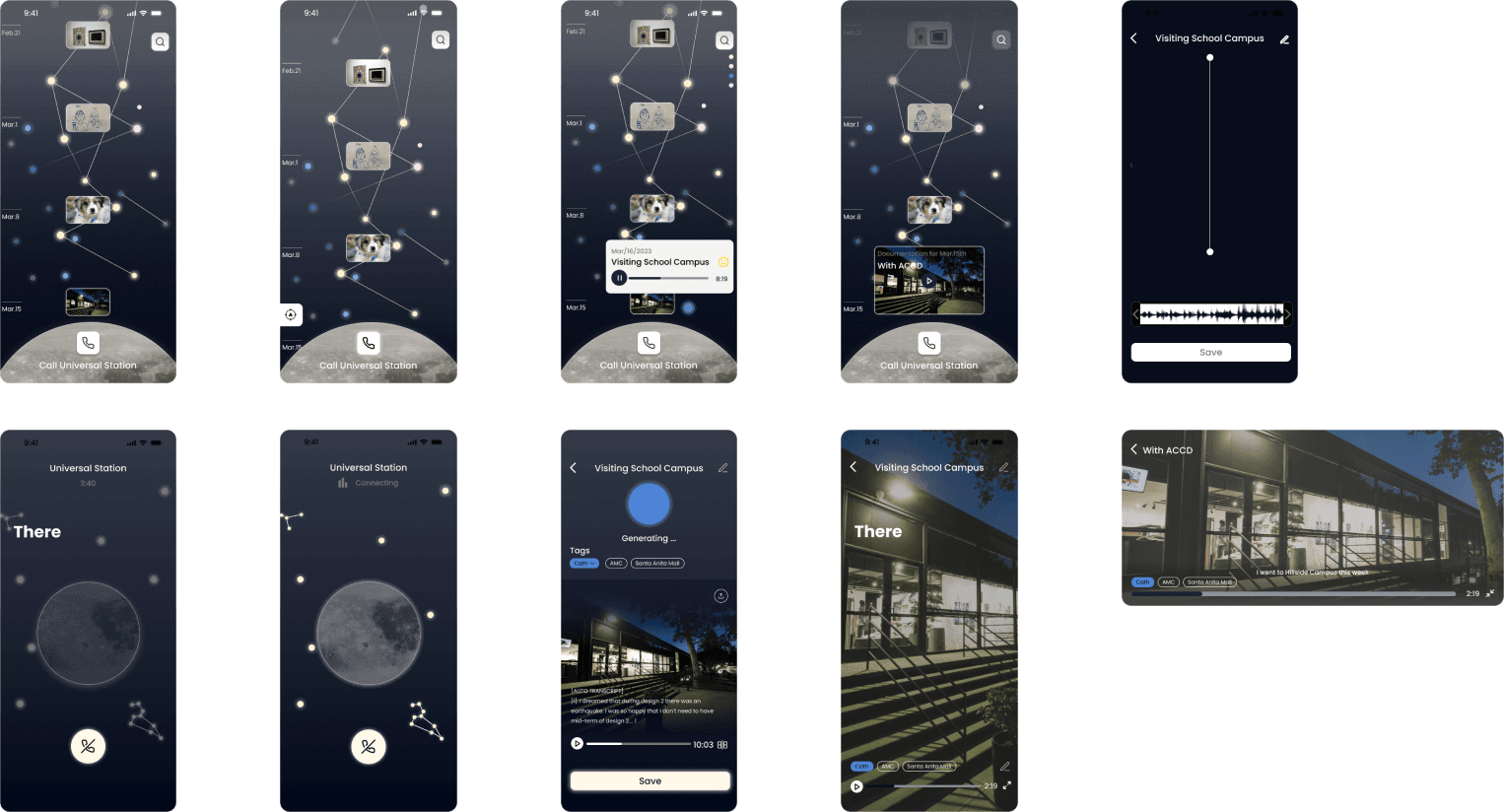
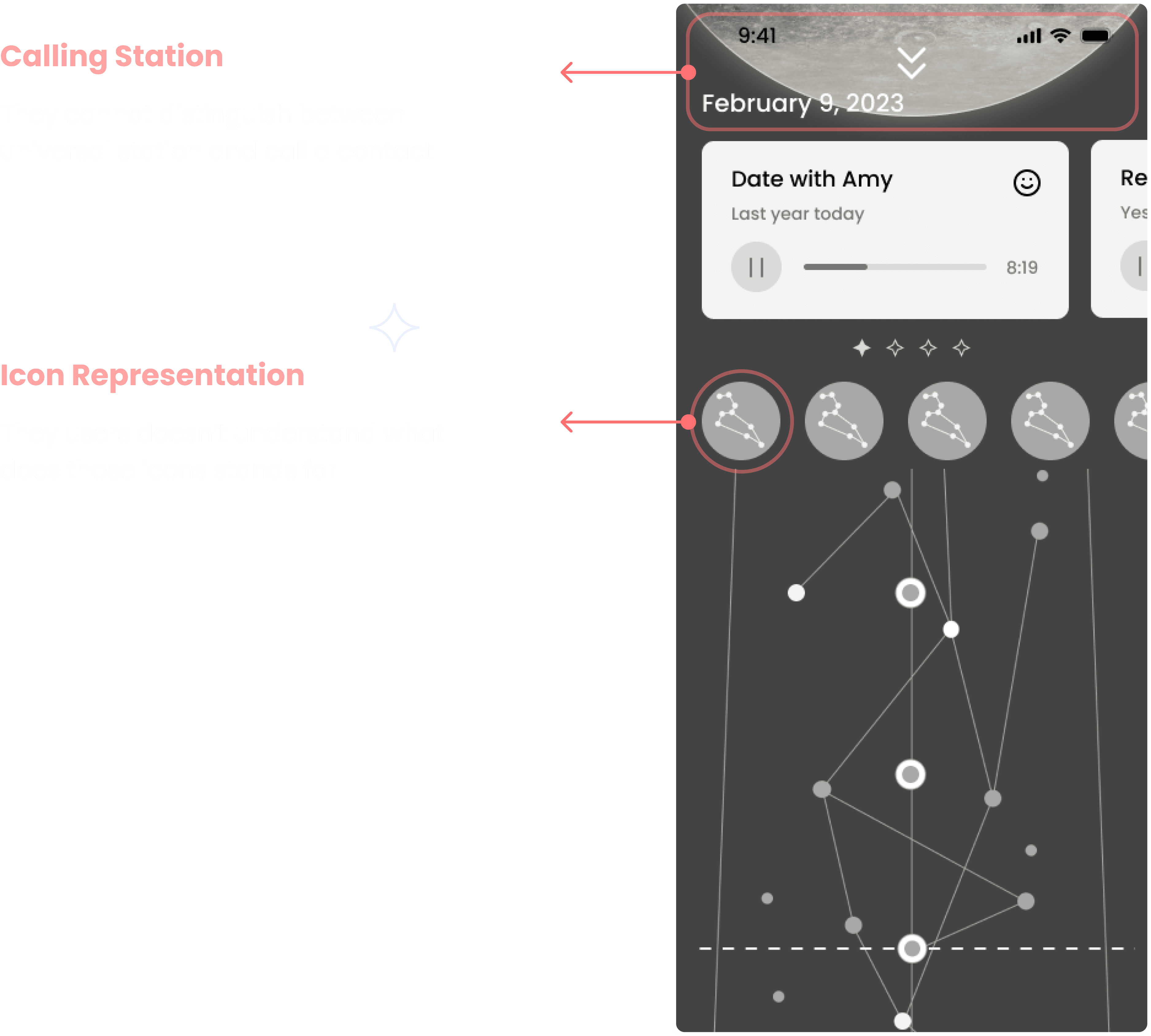
Last Round User Test & Improvement
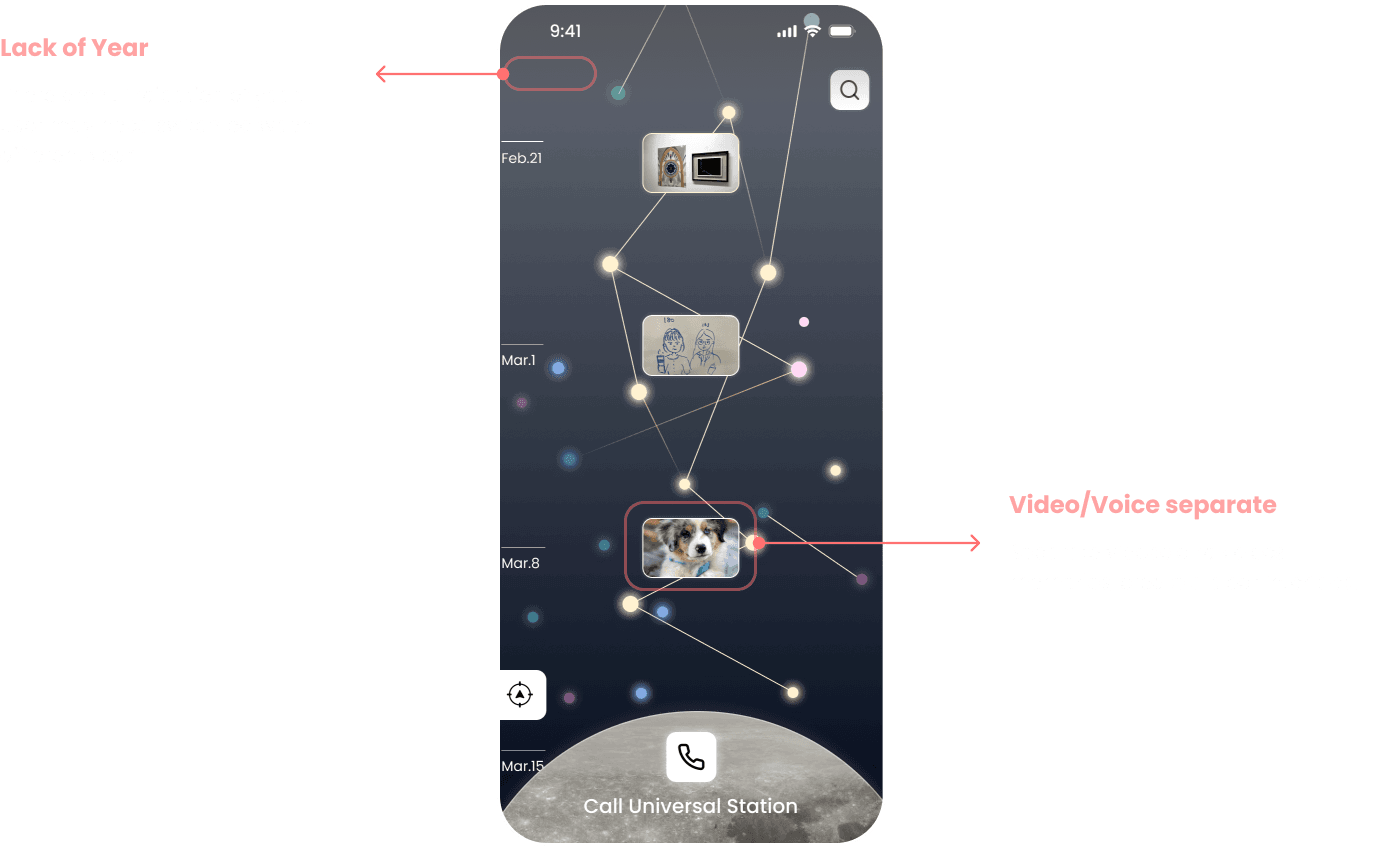
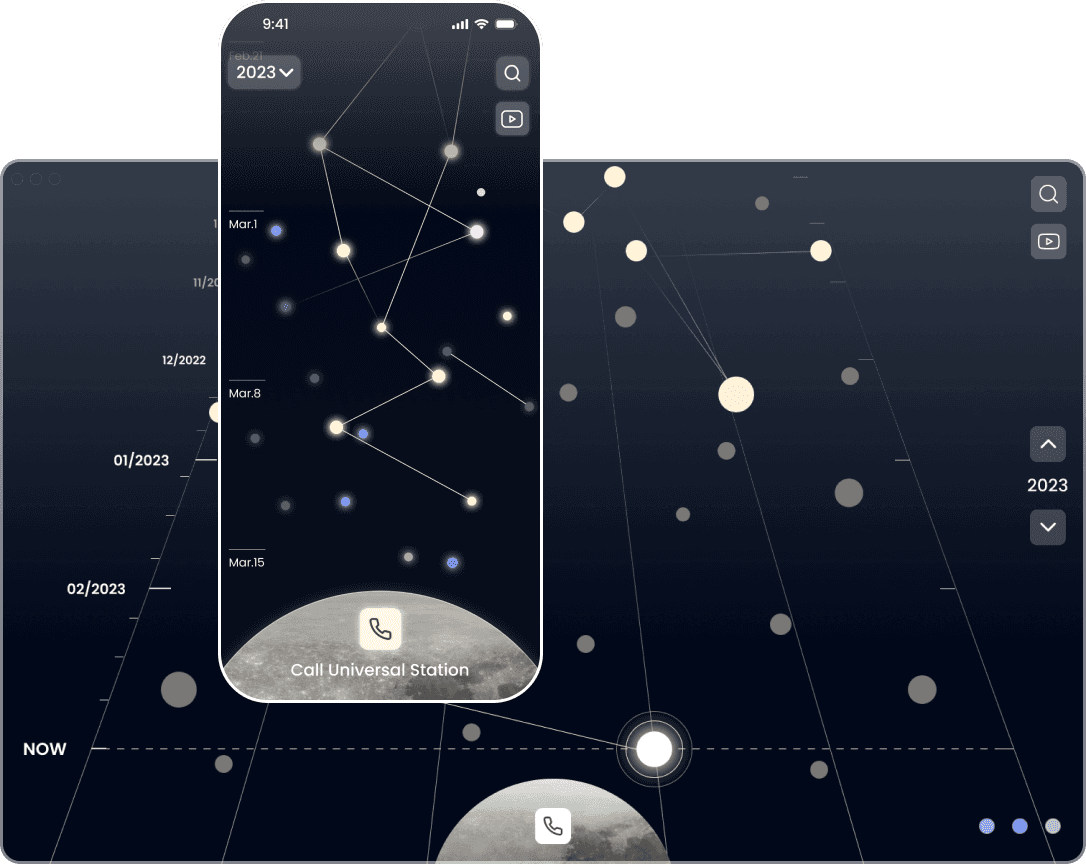
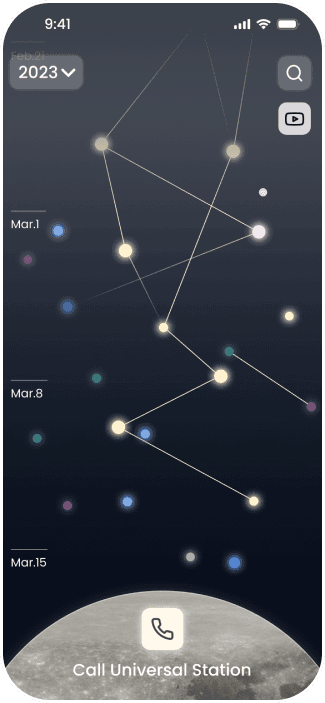
HomeScreen
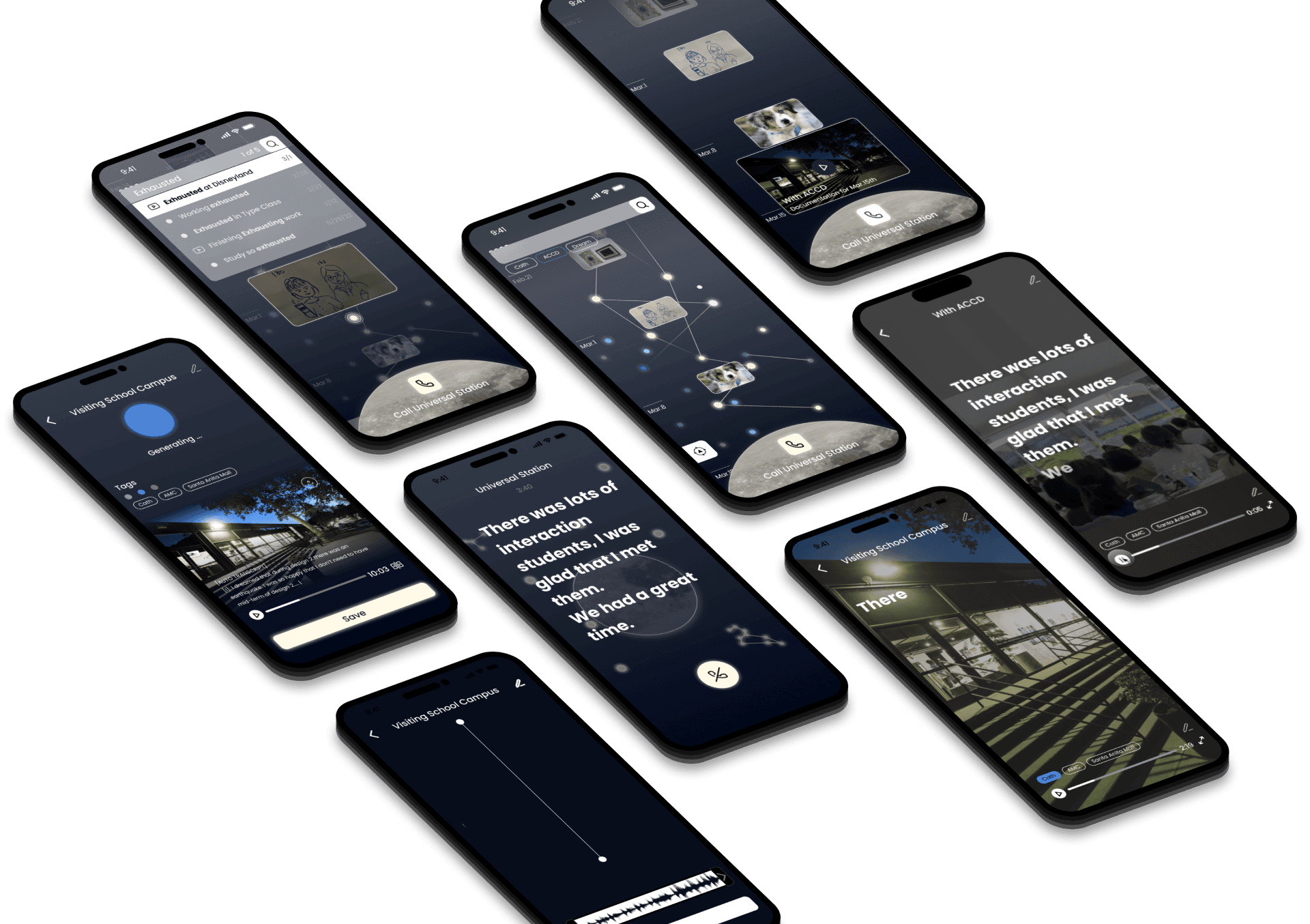
Final Design
HomeScreen
Visual Language
& Component
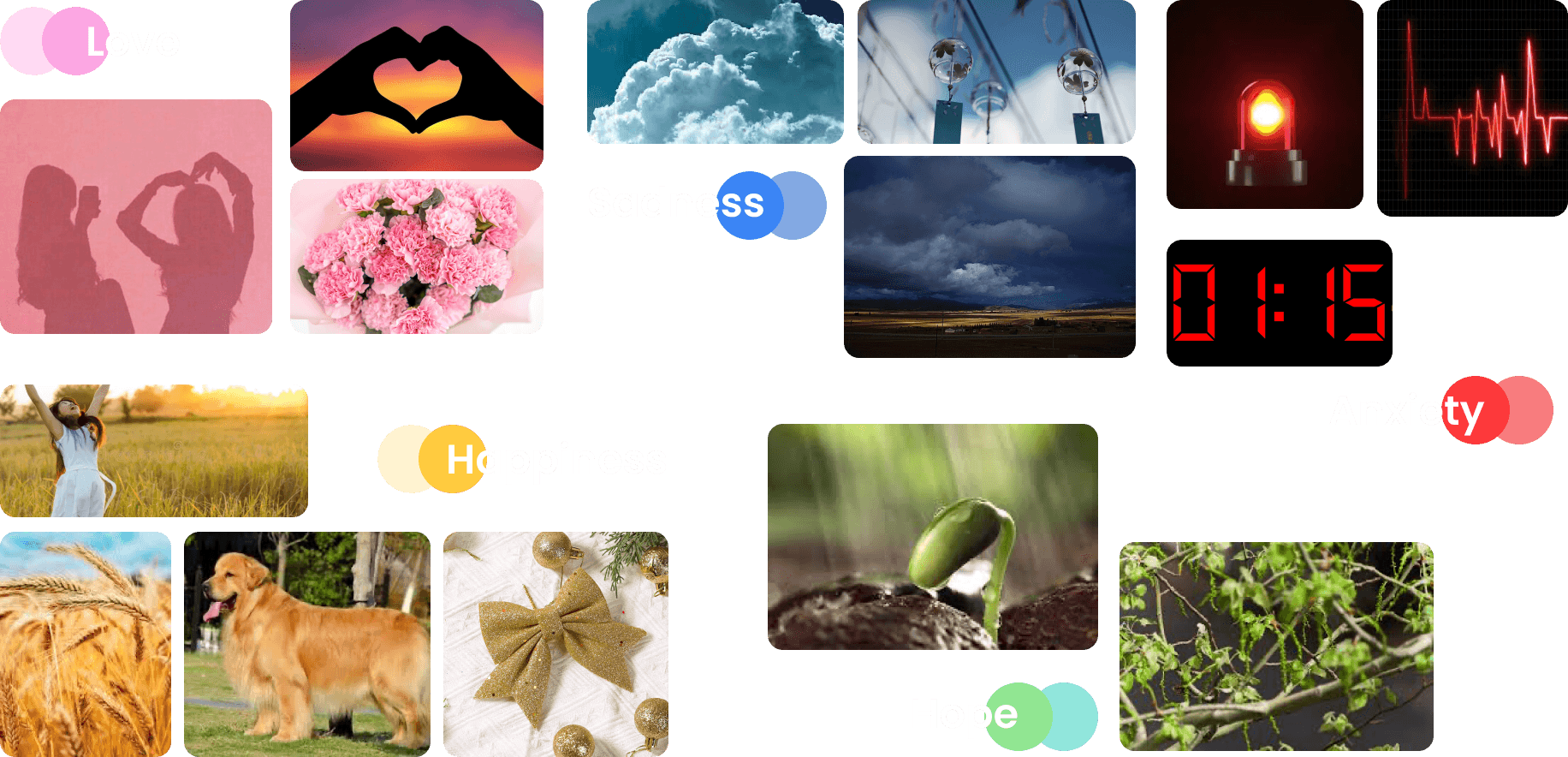
MoodBoard - Core Paeltte
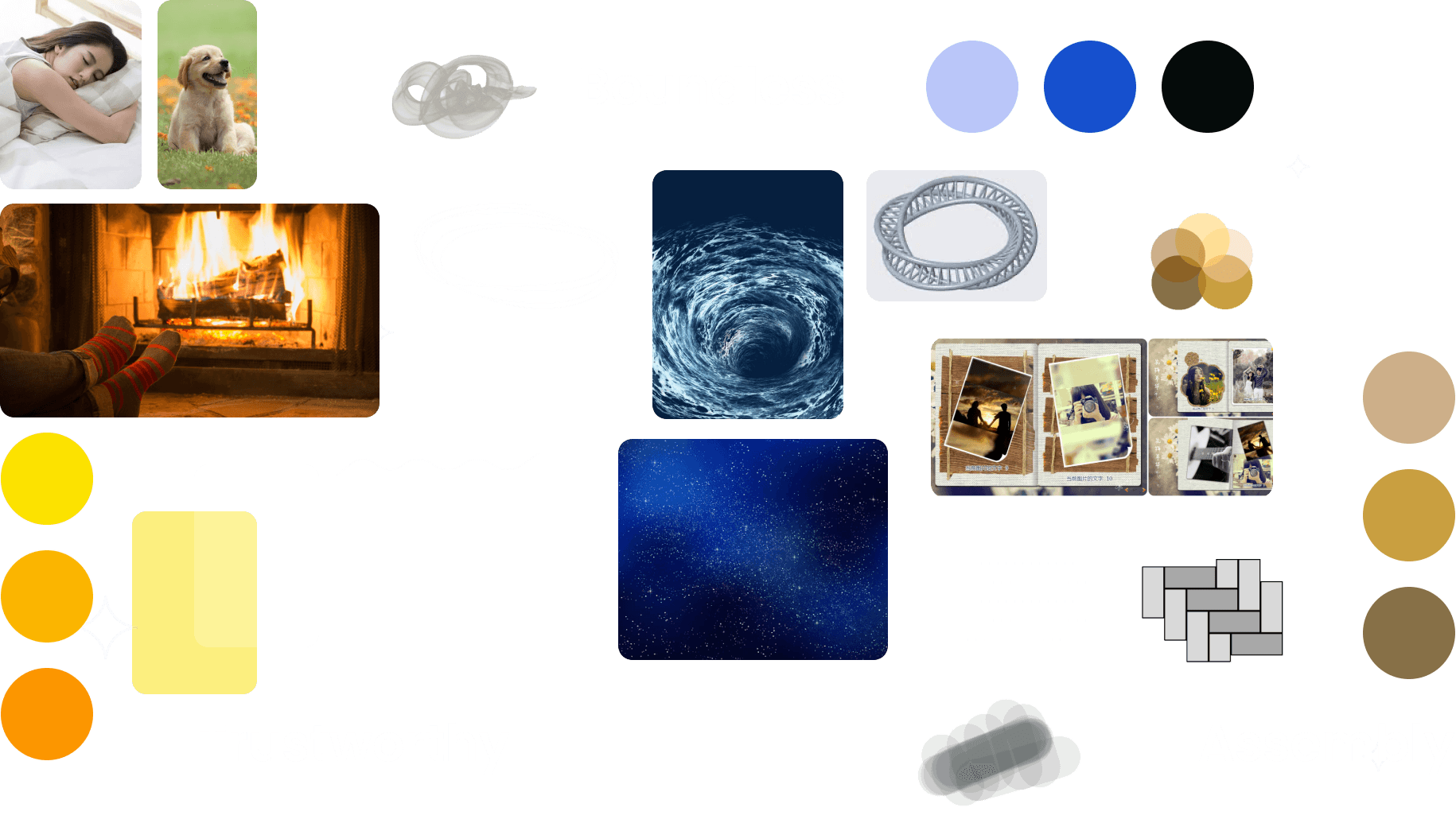
MoodBoard - Highlight Paeltte
Design
System

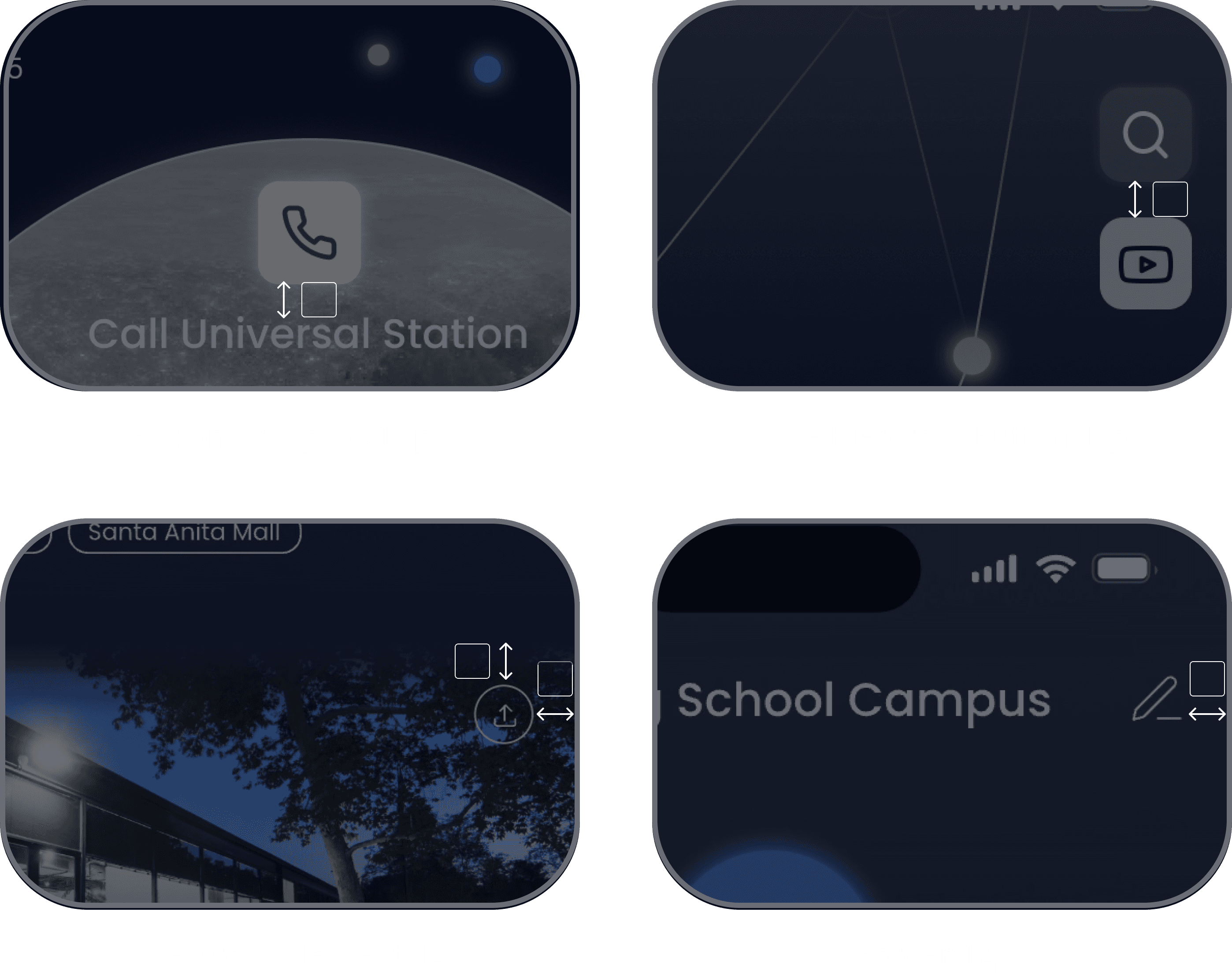
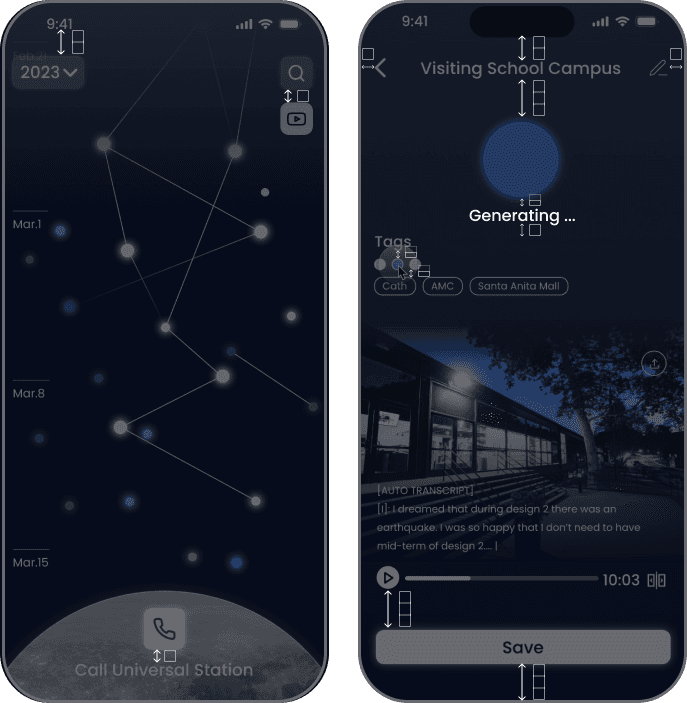
03 Grid
Baseline-12px
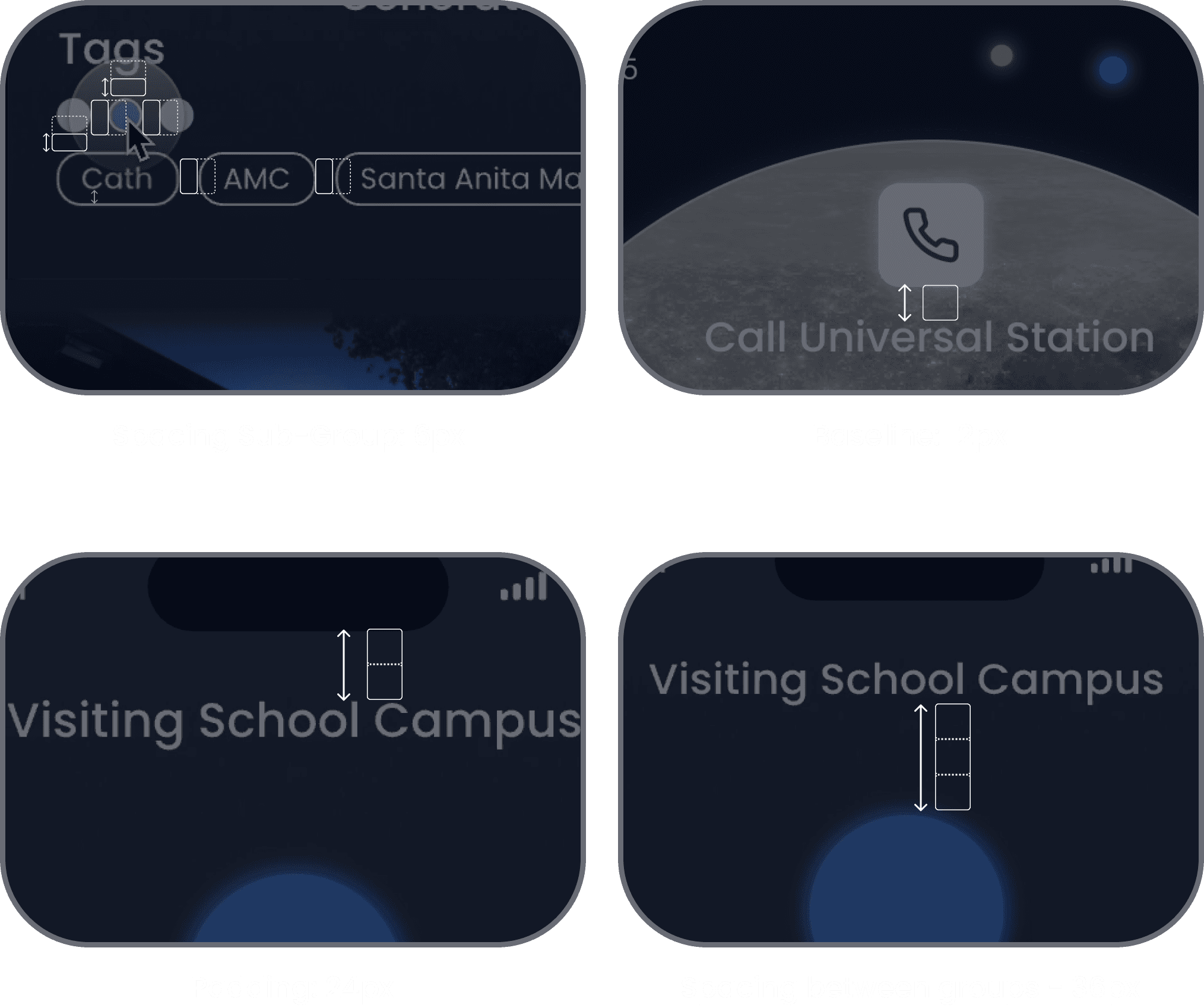
PastPath use 12px as the baseline of the grid system. For the same hierarchy content, it has same spacing of 12 px.
03 Grid
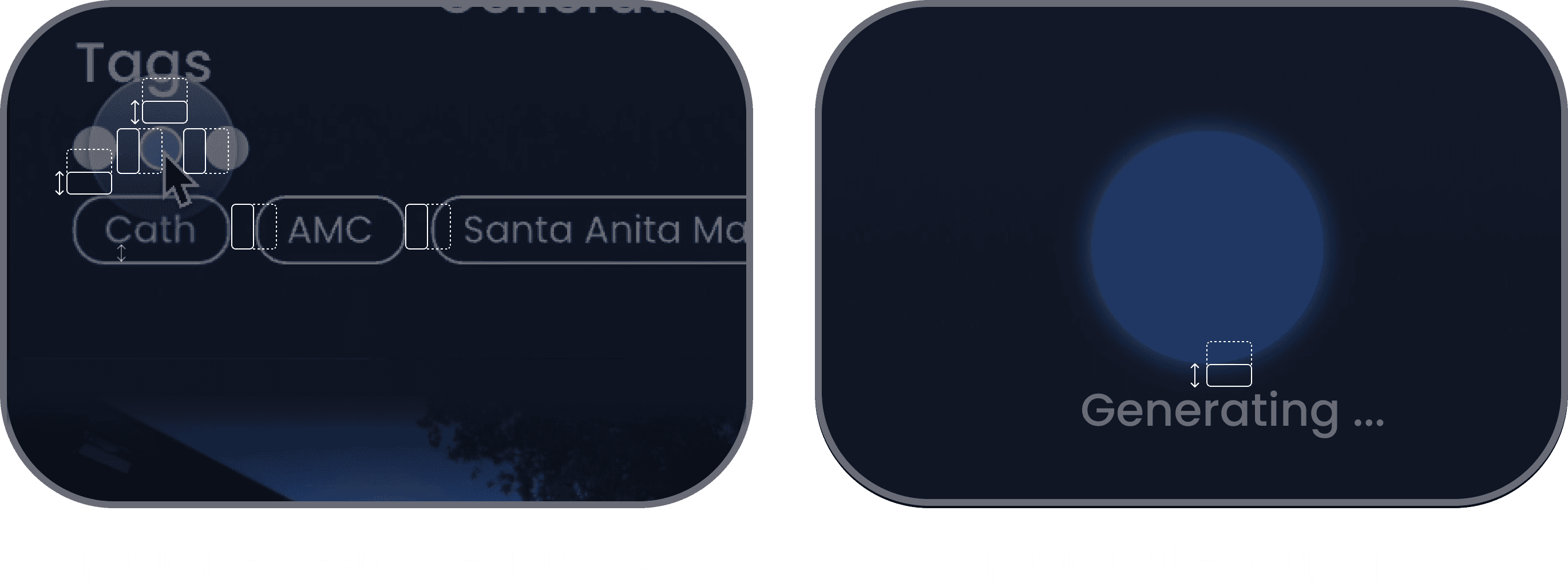
Subgroup-6px
6px grid is using as the spacing for the gap of sub groups, such as tags, images and it's text.
03 Grid
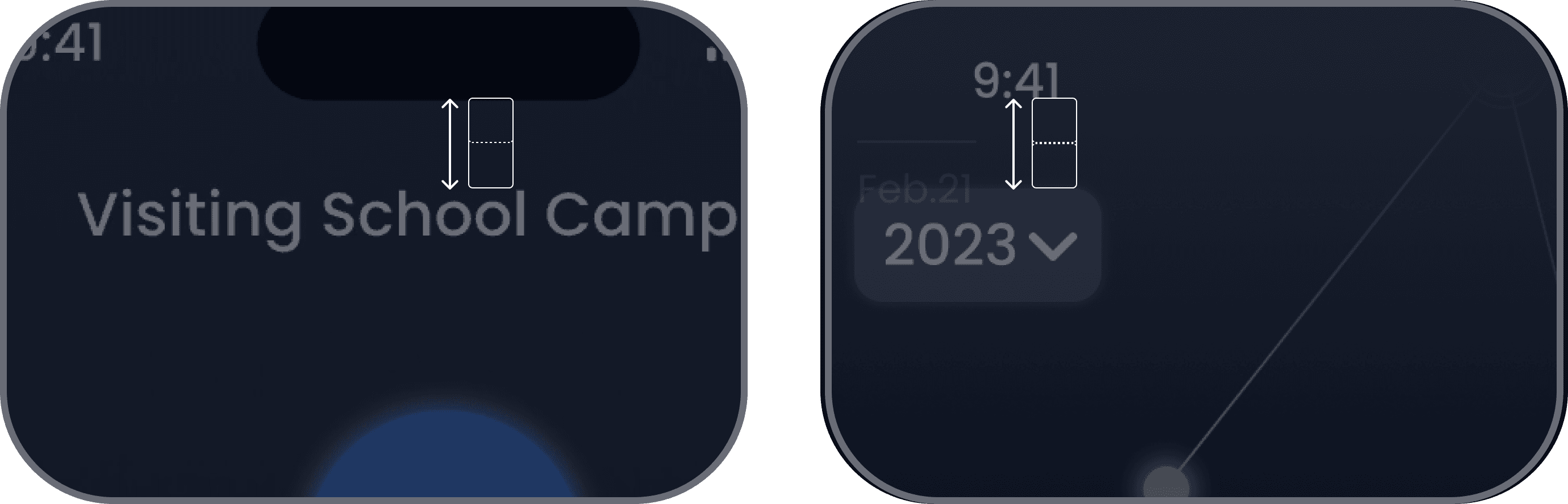
Padding - 24px
24px grid is using as the spacing for the top padding of pastpath
03 Grid
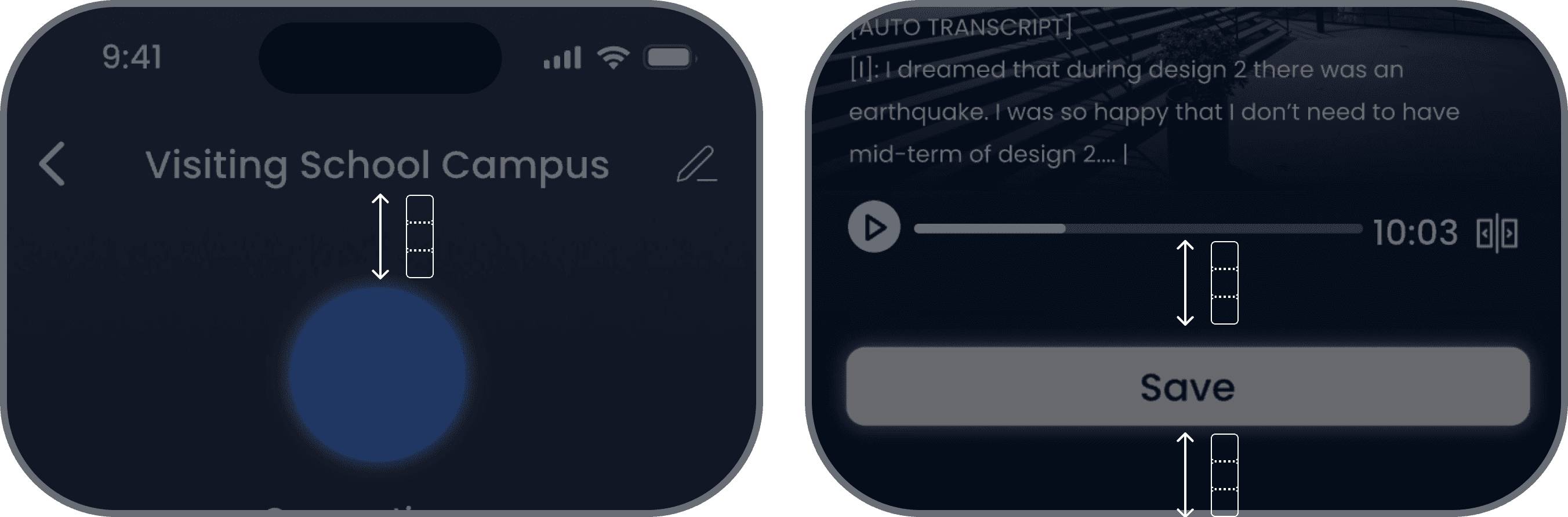
Group - 36px
36px grid is using as the spacing for the different group of content. It is also used for the bottom padding.
03 Grid
Overall
Using the grid system fo the overall screens to create consistancy.
04 Icons & Components
Icons
Icon size is 1.5*baseline=18px.
Form icon transform a button, size is. 3*baseline = 36px.
04 Icons & Components
Primary
Button
The hight of button is 36px.
The length of the button is fill, or half the size of screen.
04 Icons & Components
Secondary
Button
The button is 42px * 42px. Using the 12px as baselnie.
04 Icons & Components
Tags
The tags use auto layout, where the top and bottom padding is 12px / 4 = 3px. Left and Right padding are 12 px
04 Radius
Radius
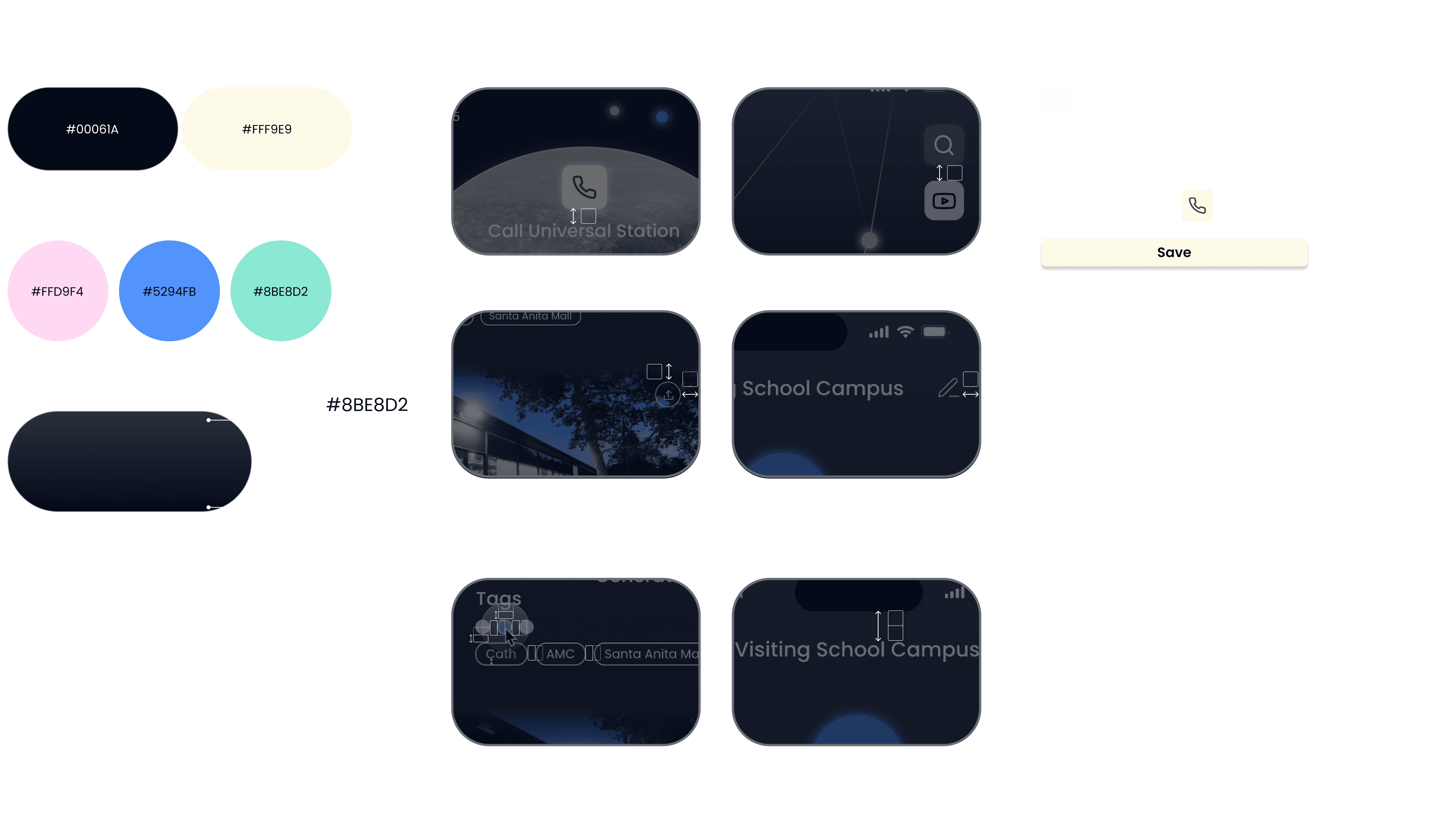
Button use 8px for the radius while the tag use full radius.
Design
System
03 Grid
Grid System
PastPath use 12px as the baseline of the grid system. Using 6pxas spacing between subgroups. Using 24px as padding. Using 36px as spacing between groups.
04 Icons & Components
Button
Button use 12px as the based line.
There are in total 3 types of buttons: primary button, secondary button and tags
04 Radius
Radius
Button use 8px for the radius while the tag use full radius.
Next
Step
Improvement
Further exploration and development on key features
Editing and playing the document on hover state
Intergrat with more AI powered features
3D perspective of Home Screen
Push on Visual Language Metaphor
Collaborate with pm and engineers to understand feature prioritization and mvp develop plan.
Do accessibility assessment to make sure this is ADA
Thanks