AME Entry & Loading Experience Optimization
Background
Reframing Entry and Loading for Video Generation
With the introduction of video-based AI generation, AME transitioned from producing static outputs to generating dynamic video content. However, the entry and loading experiences continued to rely on static visuals, creating a mismatch between the product’s actual capabilities and users’ initial expectations. This gap made it difficult for users to immediately understand that AME now generates video outputs and what kind of experience to anticipate.
My ROle
I optimized the AME entry visuals by replacing static images with video content, and redesigned the loading state using animated GIFs that previewed other presets.

Aokiji7
@aokijiop7
Core User
Non professional effect creators
Designing for non-professional creators requires guided, confidence-building experiences rather than expert-driven discovery.
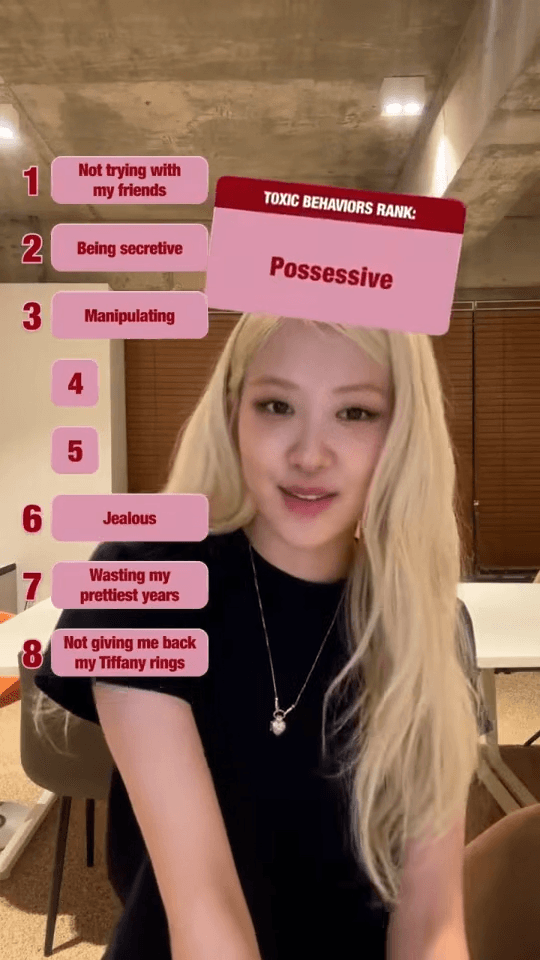
Painpoint

1
Unclear expectations about video-based generation
2
Users lack concrete understanding for AI outputs, creating friction in ideation and prompt-writing.
3
Video generations takes more times then photos, user get bored while waiting for the generation
PROJECT GOAL
HMW improve the entry, waiting, and first-use experience of AME for non-professional creators by setting clear expectations, lowering the barrier to getting started, and providing meaningful feedback during generation.
Design Iterations
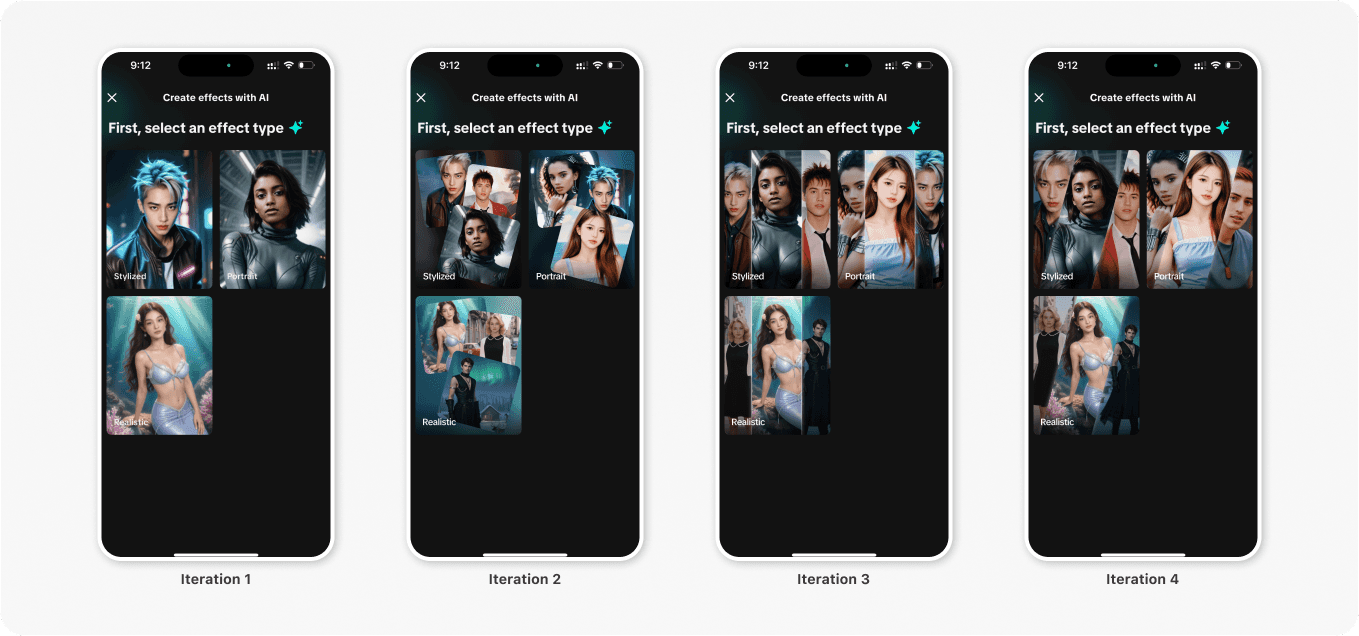
To establish a clearer expectation of whether it is AI generated video or image, also considering visual hierarchy and focus & attention management, we finally goes with the first direction.
Design Decision 1
Clarify AI capability at the moment of entry
Create opportunities to immediately communicate that AME generates video-based outputs, helping users form accurate expectations before interaction.
Design Decision 2
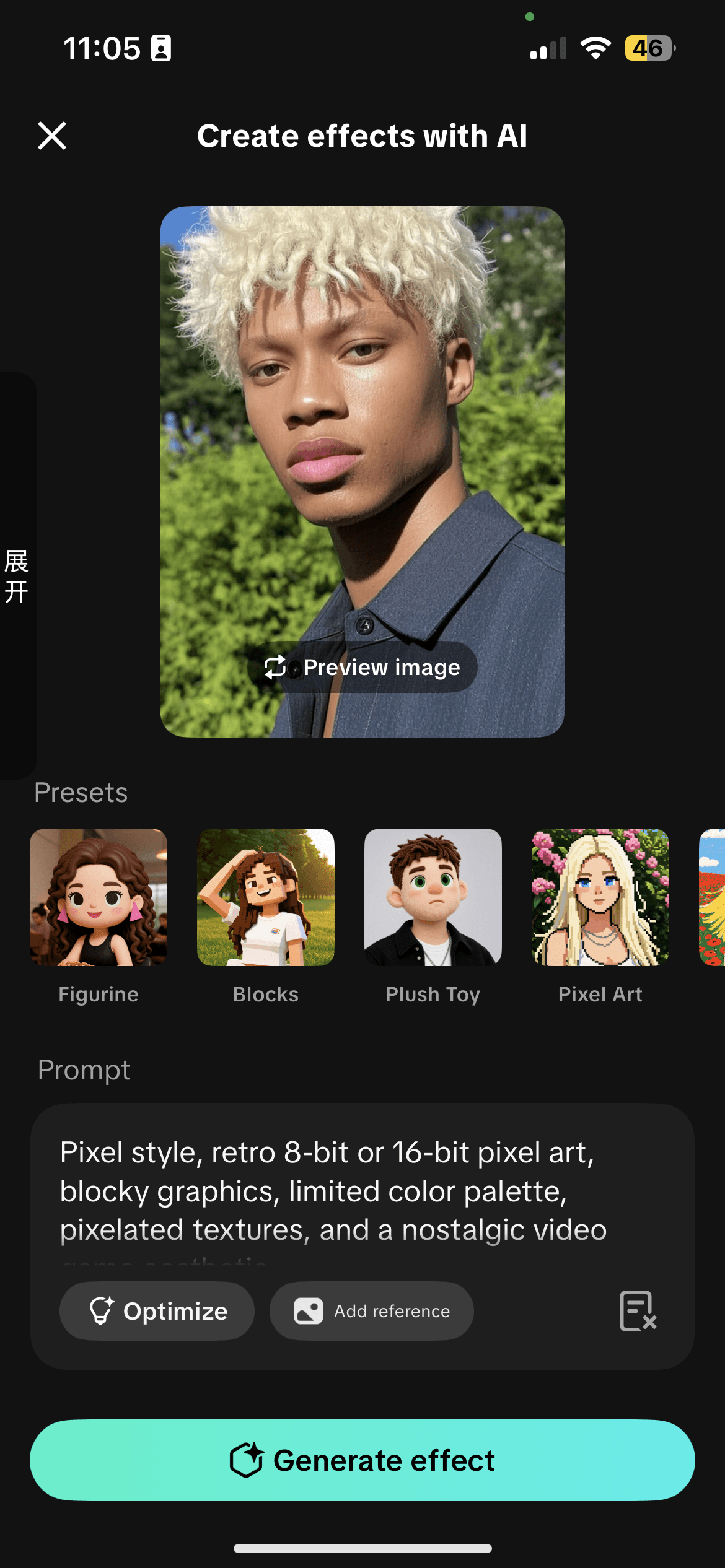
Design Decision: Presets as Guided Entry Points
Because AME targets non-professional creators who may not know how to write effective prompts, we introduced presets as guided entry points. Presets allow users to generate results immediately without requiring prior knowledge, helping them achieve early success and build confidence.
Design Decision 3
Using Video Presets to Set Expectations
Because AME uses an image-to-video AI model, I chose video-based presets to clearly communicate the expected output. Showing motion upfront helped users better understand what the generated result would look like, reducing uncertainty before generation.
Design Decision 4
Making Loading Feedback Meaningful
The original loading state used a image that did not align with the selected presets or reflect the image-to-video generation process. Also it gives user false expectations of that is the final results.
I replaced it with a series of animated previews that showcase different possible outputs (includes image and videos) of the model, helping users understand what the system is generating while they wait.
Reflections
1. MVP thinking enables progress under constraints
When time was limited, using GIF-based motion instead of custom frontend animations allowed us to ship a meaningful experience quickly. This reinforced the importance of MVP thinking—prioritizing impact over technical perfection to meet deadlines.
2.Design requires intentional trade-offs, not maximalism
Although we explored making multiple entry points dynamic, we chose to emphasize motion only for video-based AI. This decision avoided visual noise and helped maintain a clear hierarchy across the experience.
3.Entry and loading moments shape user expectations
This project highlighted how entry and loading states are not neutral transitions—they actively shape how users understand system capability and what results to expect.